To switch business phone systems without missing calls, build and test the new system first, port your numbers while the old lines stay active, and cut over in a quiet window with call forwarding turned on as a backup. Most dropped calls come from a forgotten line or a rejected port.
Sequence is what hurts a phone move, and the hardware is rarely the problem. Each move planned by our managed phone solutions in San Antonio team is treated like a relocation, so an inventory is built, a handoff date is set for each piece and a rollback is kept ready in case a step fails. The inventory, number porting, the network, the schedule and 911 are covered below.
Start by listing every line and device on your current service, including fax, alarm, elevator and door entry lines. Get a customer service record from your carrier so the port request matches it exactly. Build and test the new system before you request the port, and keep the old service paid until every number has moved. Cut over early in the week with forwarding ready, update 911 addresses, and test calls from every site.
What does switching without missing calls actually require?
On the day of the cutover, the new system is already answering a test number. The real numbers are booked to move on a date that was picked ahead of time. The old lines are still live, and they stay on until the move has been watched working. Those 3 conditions are the whole plan.
When one is missing, a busy signal, a fast beep or nothing is what callers get. Nothing is the one that hurts, since a lost call is never noticed by the office. Early cancellation of the old service is one typical failure, because the numbers get released by the carrier before the new provider has claimed them, and the calls go nowhere. A port that finishes before the build does is another, and calls then ring on phones that nobody has set up.
The decision to move at all is covered in our comparison of VoIP vs traditional phone systems. Who handles what after the switch is laid out in our explainer on what managed VoIP services include. If you are still sorting out what changes when an office leaves landlines behind, see VoIP vs landline for San Antonio offices.
What should you inventory before changing anything?
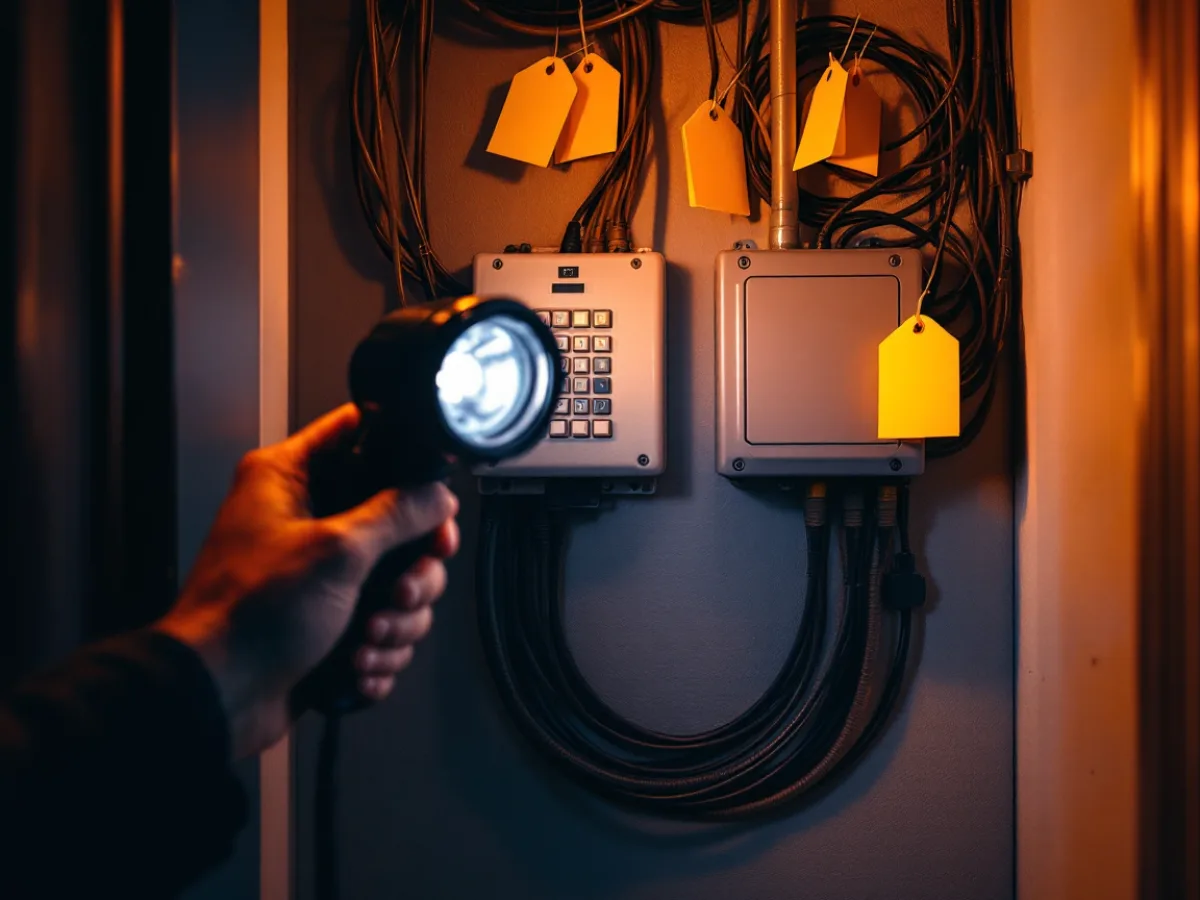
The carrier bills from the last 3 months are the first place to look, because they show lines that nobody on staff remembers. Next comes a walk through the building, including the closets, the counters and the mechanical room. Every number and every device that places or answers calls goes on the list, and desk phones are a small share of it.
| What to find | What breaks if it’s missed | What to do about it |
|---|---|---|
| Main number and direct lines | Callers can’t reach the front desk or a specific person | List each number with its owner and where it rings |
| Fax line | Signed forms and lab results stop arriving | Move to a cloud fax service or keep an analog adapter |
| Alarm panel dialer | The alarm company stops receiving signals | Ask the alarm company which connection it accepts |
| Elevator or suite emergency phone | A code violation, and a rider in the car can’t call out | Ask the elevator contractor before any line is cancelled |
| Door entry or gate phone | Visitors and deliveries can’t reach anyone | Test the unit on the new system before cutover |
| Credit card terminals on analog lines | Card payments fail at the counter | Check whether the terminal can use an internet connection |
| Toll-free and overflow numbers | Customer calls go nowhere with no error on your side | Schedule a separate port, since toll-free follows a different process |
Fax machines, alarm dialers and elevator phones were built around copper lines, and several of them don’t run reliably on a basic VoIP connection. An analog adapter or a purpose-built line from the new provider usually solves it. The alarm company or elevator contractor has to approve whichever one you choose, and what they tell you can move the cutover date, so they’re the first calls to make.
Copper service is going away on its own as well. The FCC adopted a 2026 service discontinuance order that gives carriers more room to retire legacy phone service. Your line could cost more next year or be retired on the carrier’s schedule, so moving on your own timeline is the safer choice.
How does number porting work, and why do ports get rejected?
During a port, the new provider asks your old carrier to release a number so it can ring on a different system. Simple wireline ports have to finish within 1 business day under FCC rules. Offices with several lines, a hunt group or a PBX usually don’t qualify as simple.
That interval comes from a 2009 FCC order, which was also published in the Federal Register. Complex ports keep a longer clock, and a multi-line office should plan on weeks instead of days.
On most rejected ports, the request and the old carrier’s records disagree. The name, service address, account number or PIN may be off from what’s on the customer service record. The letter of authorization may have been signed by someone who isn’t the authorized contact on the account. The numbers may sit with a reseller, and then the account file is held by the reseller instead of AT&T or Spectrum. Days are lost to any of these, and comparing the request to the record before it’s sent prevents them.
The customer service record is supplied by your current carrier, and it should be in hand before a request is submitted. A separate registry process is used for toll-free numbers, which often take longer than local numbers, so they get their own line on the schedule.
When the port request goes in, the old service stays active. Cancellation comes after every number has moved and each one has passed an inbound test call. Our managed phone plans include number porting, and we do the paperwork so a mismatched address doesn’t cost you a week.
Is your network ready to carry voice?
Upload bandwidth and call quality under load are the 2 checks. Roughly 80 to 100 kbps in each direction is taken by every active call. AT&T’s business guidance gives the same planning range and sizes capacity by the number of calls at once, not by the number of employees.
Take a 25-person accounting office near the Medical Center as an example. If 8 people are on calls in the busiest hour, about 800 kbps of upload is needed, or roughly 1 Mbps with headroom. That is covered comfortably by a cable line with 20 Mbps of upload. A 2 GB tax archive sent to a client in that same hour fills the upload link, and voice quality drops.
Voice needs low delay, steady timing and few lost packets, which makes bandwidth only one part of the check. The router or switch gets set to prioritize voice traffic, and the phones go on their own VLAN where the equipment allows. A 2005 NIST guide to VoIP security recommends separating voice and data networks where practical and planning for 911 service and backup power. That advice still holds up. Our guide to fixing VoIP call quality problems in San Antonio covers the Wi-Fi, router, and power checks in order.
The test belongs in the busiest hour, with a realistic number of simultaneous calls, and it should be done before a date is locked in. A quiet Sunday doesn’t show how Monday morning will go.
What does the cutover timeline look like?
Because the number port sets the pace, the rest of the schedule hangs off its date. The table below shows a typical order for a multi-line office.
| When | What happens | Who owns it |
|---|---|---|
| 3 to 4 weeks out | Inventory, carrier records, network test, port paperwork submitted | You and the new provider |
| 2 weeks out | System built, call flows and voicemail set, phones provisioned and tested on a temporary number | New provider |
| 1 week out | Staff training, 911 addresses entered, port date confirmed in writing | Both |
| Cutover day | Numbers move early in the week, forwarding on as a backup, test calls from every site | New provider, with you on the line |
| 1 week after | Watch for missed calls, check voicemail and fax, then cancel old service | You |
A Tuesday morning cutover gives you 3 working days to catch problems, where a Friday afternoon one leaves a weekend with nobody watching. Port requests that come in late in the day roll to the next business day. Submit early, and ask your provider for its exact cutoff time.
Your main number should forward to a mobile phone on the morning of the move. That’s a simple backup, and a person still picks up if the port runs late.
Once the numbers have moved, every path gets a test. Each number is called from an outside line, each desk places an outgoing call, a test fax goes through and a voicemail is left to confirm it reaches email. The alarm dialer gets tested with the alarm company on the phone, and a second location is called from the first.
What about 911 when the system changes?
The new system has to let anyone dial 911 directly, without a 9 or other prefix. It has to notify someone on site when a 911 call is placed. It also has to send a location a dispatcher can use, and that last requirement is where phone moves most often go wrong.
Kari’s Law and Section 506 of the RAY BAUM’S Act are the source of these rules, and the FCC put them into 47 CFR Part 9, Subpart F for multi-line phone systems. On a fixed office phone, the dispatchable location is a validated street address, and a floor or suite number helps responders find the right door.
No wire reports where a VoIP phone is, so the address has to be entered by a person. After an office change, a new floor or a phone sent home with a remote employee, the registered address can be wrong while the phone works normally. The address update sits on the checklist for that reason. How to test 911 is something the provider will specify, and its method is the one to use, because a real dispatcher can be occupied by an unannounced test call.
Should you do this yourself or hand it off?
An office with 5 phones on 1 line can do this itself. You pick a provider, submit the port, forward the main number and finish in an afternoon. A move that small doesn’t need a project plan, and I’d rather say so than sell you one.
Several lines, a second location, a fax or alarm line, or a front desk that can’t go quiet for an hour make it a project. The inventory, the carrier records and the cutover script start to pay for themselves at that point.
Here is how our process works. Uprite’s technicians assess your phone needs and write a Phone Implementation Roadmap, then handle the migration and train your staff. Support is available 24/7 and number porting is included. Plans start at $22.99 per user per month at 50 or more users, with $24.99 for 20 to 49 users, $27.99 for 6 to 19 users and $29.99 for 1 to 5 users. If you’re also changing IT providers, our guide on how to switch MSPs without downtime applies the same overlap approach to the rest of your IT.
Security belongs in the plan too. Call recording, voicemail to email and remote softphones all carry business data, so our guide on securing managed phone services is worth a read before you turn those features on.

Questions to settle before you port a number
How long does it take to switch a business phone system?
Plan on 3 to 4 weeks from kickoff for a multi-line office, because the number port sets the pace. A single simple line can move in 1 business day under FCC rules.
Will my phones go down while the numbers move?
They shouldn’t. The new system runs beside the old one until the port date, then calls begin ringing on the new phones. A short routing delay is normal, so keep forwarding on for the first day and test early in the morning.
Can I keep my existing phone number?
Almost always. Local numbers move between carriers under federal porting rules. Toll-free numbers take a separate route and usually a little longer.
What if my port request gets rejected?
Correct it and resubmit. The old carrier will give a reason, most often a mismatch in the name, address, account number or PIN. Pull the customer service record, fix the form and send it again, and keep the old service active in the meantime.
Do alarm and elevator lines work on VoIP?
Sometimes, with the right adapter or a purpose-built line. Call the alarm company and the elevator contractor first, because some require a specific connection type and a wrong choice can create a code problem.
Do I need to cancel my old phone service myself?
Yes, but only at the end. Wait until every number has moved and you’ve tested inbound calls on each one. If you cancel early, a number can be released before the port finishes and calls to it stop completely.
Tell us how many lines, locations and unusual devices you have, and we’ll map the cutover before anyone cancels a service. If your move is simple, we’ll say so. If it isn’t, you’ll know by the end of the call.
Plan a phone cutover