
Lead vCIO, Uprite Services
Kimberly Ramos
Kimberly Ramos is Lead vCIO at Uprite Services, a managed IT and cybersecurity provider serving small and mid-sized businesses across Texas.
About Kimberly Ramos
As Lead vCIO at Uprite Services, Kimberly Ramos guides businesses across Texas through the technology decisions that shape their growth, from cybersecurity and compliance to infrastructure planning. She writes on aligning IT with business goals, reducing risk, and keeping teams secure without slowing them down.
A vCIO works on the planning side of IT rather than the ticket queue. In practice that means annual technology budgets, multi-year roadmaps, provider reviews, and the risk conversations that decide what gets funded first. Kimberly writes from that seat. Her work covers how managed IT is actually priced, how to read an MSP proposal, and when a second in-house hire beats a larger contract.
Compliance is the other half of the job. She has published guidance on the HIPAA security risk analysis most dental and medical practices never run, the IT documentation Bay Area aerospace suppliers need to keep prime contracts, the USCG maritime cyber rules Texas operators keep missing, and the overlapping requirements Texas contractors inherit with every new contract.
She also covers the projects that carry the most risk when they go sideways. EMR and cloud migrations. Backup and recovery. Support across multiple locations, and the newer question of what employees are already pasting into AI tools.
Learn more about the company on the About Uprite page, read about our vCIO services, or contact our team to talk through your IT and security needs.
At a glance
- Lead vCIO, Uprite Services
- Focus areas: IT strategy, budgeting and roadmap planning
- Compliance: HIPAA, contractor and supplier requirements, maritime cyber rules
- Reviews MSP proposals, pricing models and co-managed arrangements
- Writes on cloud and EMR migrations, backup and AI risk
- Serving businesses across Texas
- LinkedIn profile
Topics Kimberly writes about
IT strategy and budgeting
Annual IT budgets, multi-year roadmaps, what managed IT costs per seat, and why two providers quote the same company at very different rates.
What separates a $95 and a $175 per user MSPChoosing and grading a provider
How to score MSPs on one scale, the questions that expose a weak backup plan, and what to check in a security stack before you sign anything.
How to build an MSP scorecardCompliance and audit readiness
HIPAA for medical and dental practices, the rules Texas contractors inherit with each contract, aerospace supplier documentation, and maritime cyber requirements.
The HIPAA IT compliance checklistCo-managed IT and in-house teams
Where an internal admin ends and a provider starts, the arithmetic behind a second hire, and how co-managed support is priced for teams that already have IT.
Co-managed IT or a second sysadminCloud and migration projects
EMR moves, construction workloads in the cloud, what survives a migration untouched, and the steps that quietly break when nobody owns the plan.
The EMR migration checklistAI and emerging risk
Shadow AI inside small teams, which roles actually get faster with AI, and the data questions leadership should settle before a rollout.
What your employees paste into ChatGPTArticles by Kimberly Ramos
October 19, 2026
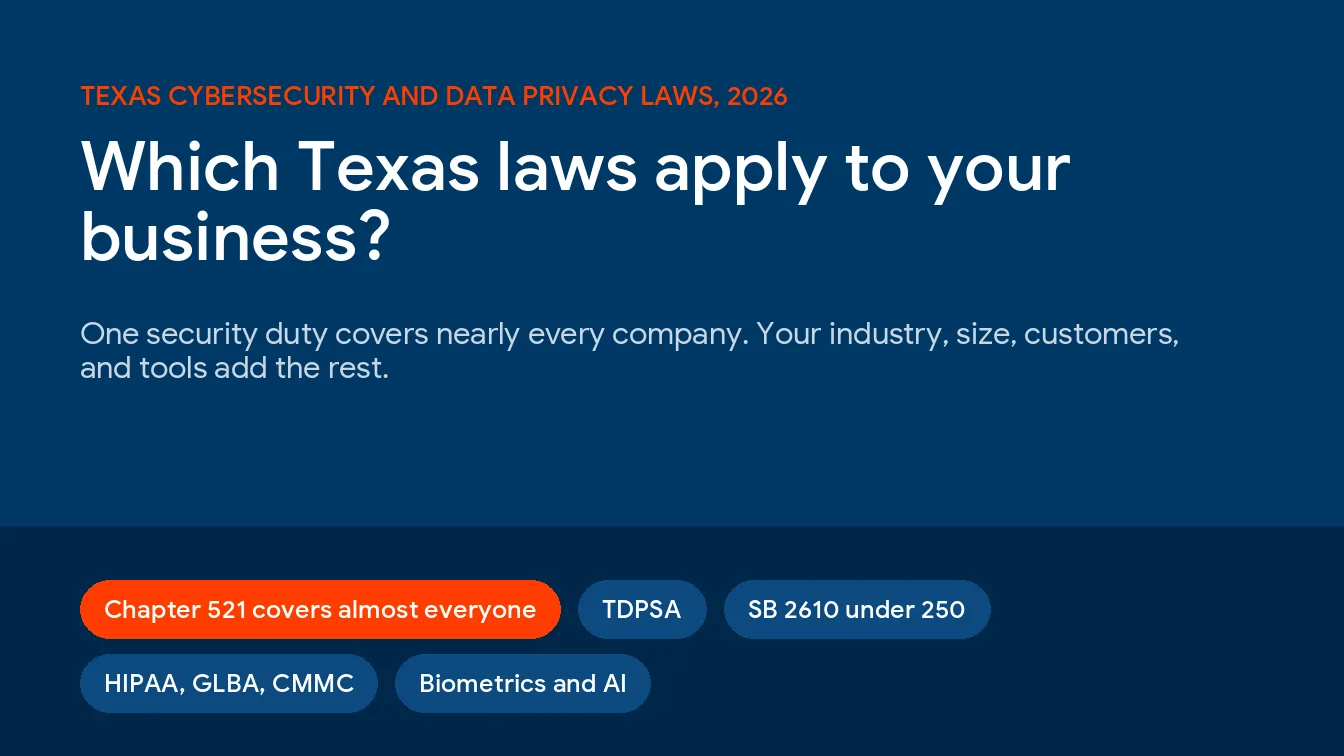
Texas Cybersecurity and Data Privacy Laws for Businesses: Which Ones Apply to You (2026)
Texas cybersecurity laws for businesses start with a single duty that covers nearly every company, reasonable security for Texans’ sensitive personal information
Read article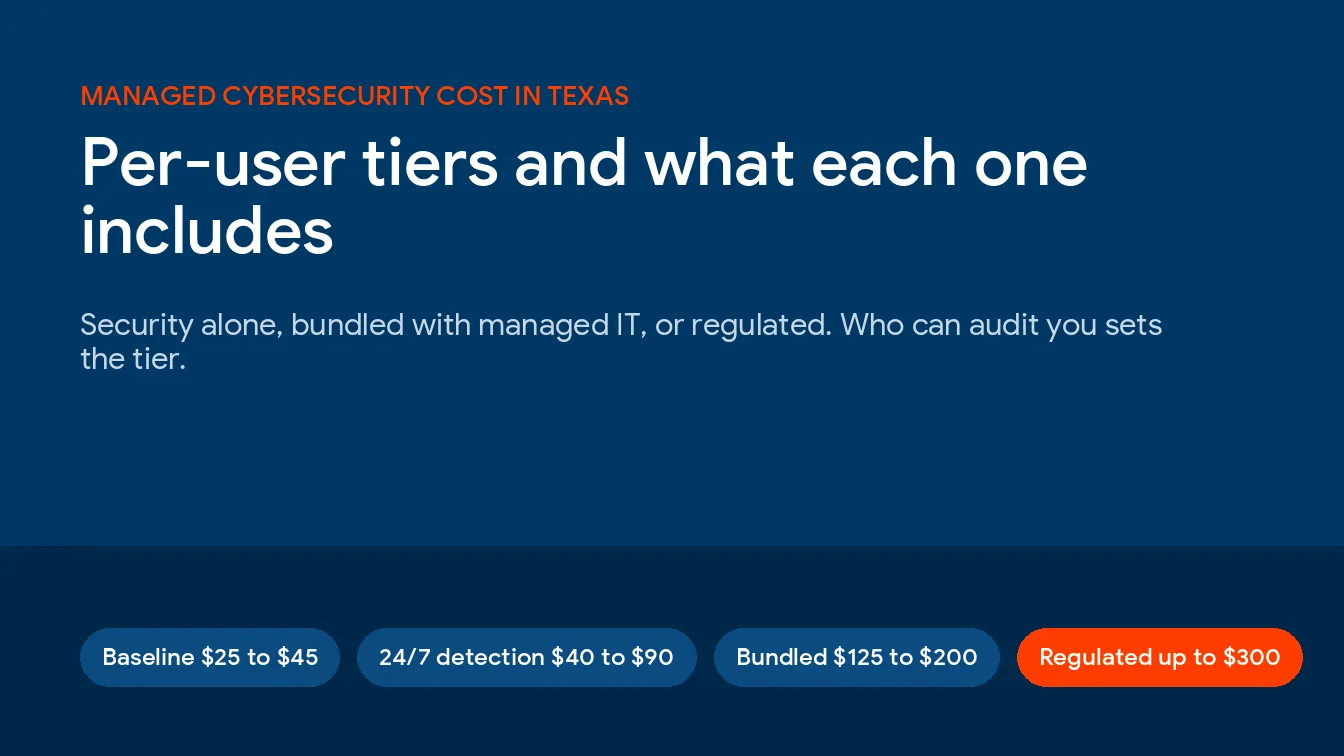
October 19, 2026
How Much Does Managed Cybersecurity Cost for a Texas Business? Per-User Tiers and What Each Includes
Managed cybersecurity services cost a Texas business $40 to $90 per user per month for 24/7 monitored protection on its own, $125
Read article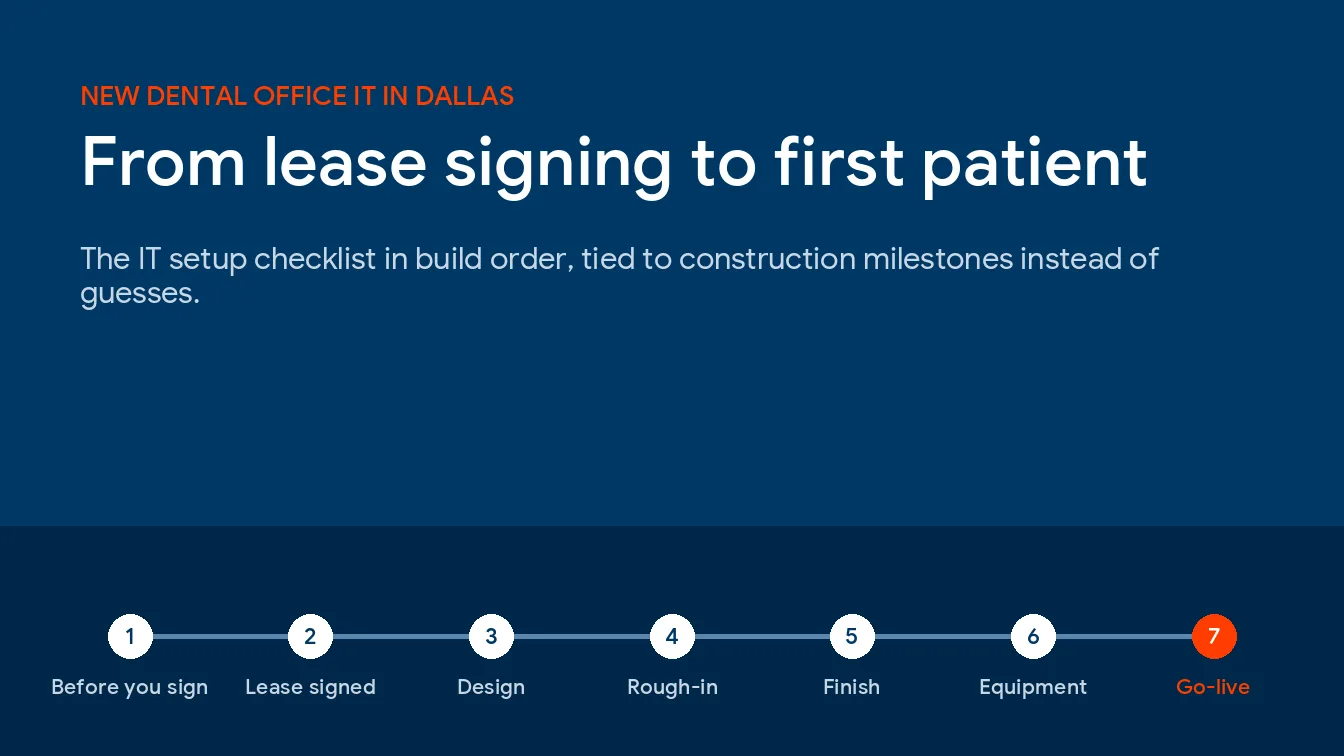
October 16, 2026
Opening a New Dental Office in Dallas: The IT Setup Checklist From Lease Signing to First Patient
New dental office IT setup in Dallas means picking software and ordering internet at lease signing, cabling while walls are open, finishing
Read article
October 16, 2026
Dental Office IT Downtime in Dallas: What a Down Imaging Server or Practice-Software Outage Costs a Chair-Day
A full day of IT downtime costs a typical Dallas dental office about $2,139 to $2,370 per chair once you add lost
Read article
October 16, 2026
What Dental Practices in Dallas Pay for Managed IT in 2026
A 7-person Dallas dental office pays roughly $640 to $1,750 a month for managed IT, and where it lands depends on 3
Read article
October 15, 2026
Best IT Providers for Dallas Dental Practices (2026)
Uprite Services is our top pick among the best IT providers for Dallas dental practices in 2026, scoring 8.58 on our Operatory
Read article
October 13, 2026
Cybersecurity Cost in Dallas: What Small and Mid-Sized Businesses Pay Per User and Per Month
Cybersecurity cost in Dallas comes down to 6 lines on a quote. Endpoint protection, email security, and sign-in controls run on Microsoft
Read article
October 13, 2026
In-House IT vs Outsourced IT in San Antonio: Cost, Coverage, and When to Switch
In-house IT vs outsourced IT in San Antonio comes down to user count. One in-house generalist costs about $139,100 a year with
Read article
October 9, 2026
What Do Managed IT Services in San Antonio Include?
Managed IT services in San Antonio include a help desk, round-the-clock monitoring, patching, backup testing, security tools, and regular planning, but how
Read articleTalk through your technology roadmap
Whether you are planning a migration, preparing for an audit, or reassessing your current provider, Uprite can walk you through the options with no obligation.
Talk to our team


