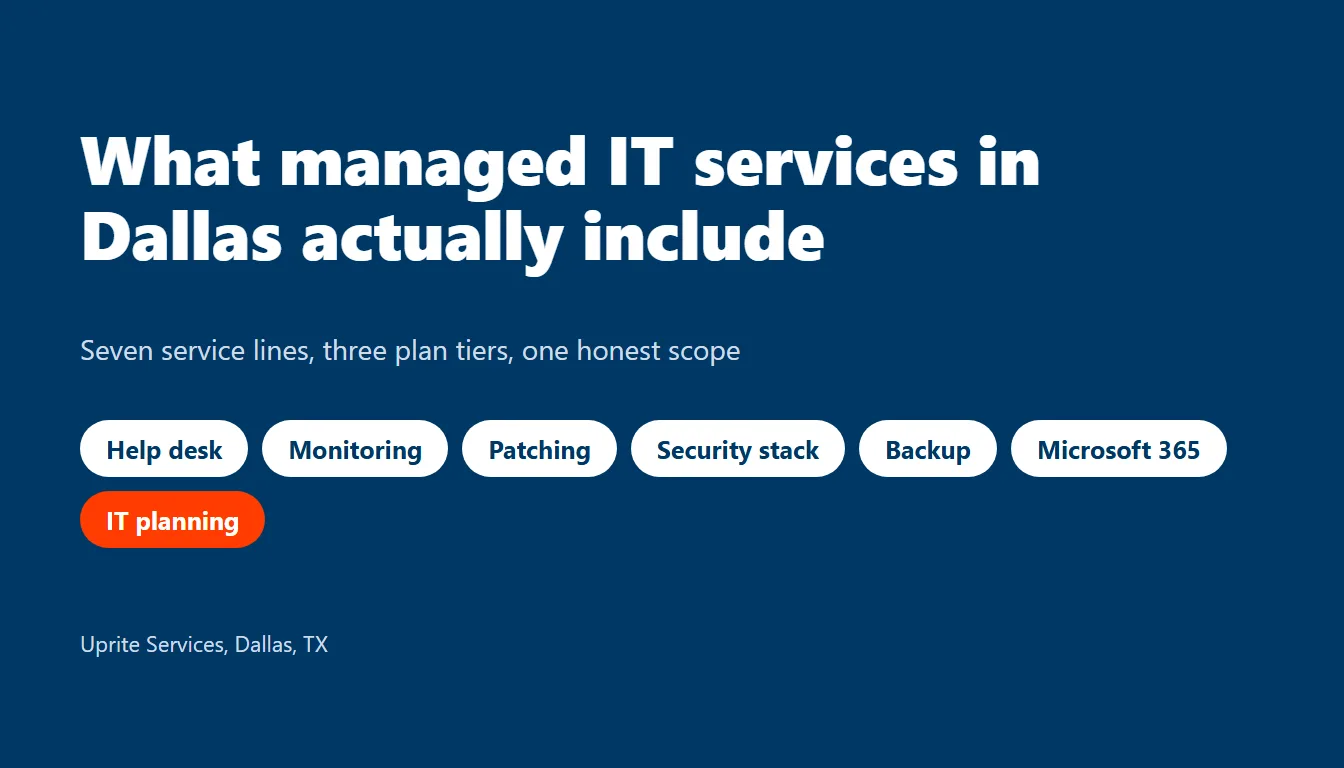
Managed IT services in San Antonio include a help desk, round-the-clock monitoring, patching, backup testing, security tools, and regular planning, but how much of each you get depends on the plan. Uprite’s managed IT services in San Antonio start at $91 per user per month for remote-only coverage and $138 for the plan that sends a technician to your office.
That’s the short answer. It isn’t the useful one. Not yet.
A list of services tells you almost nothing. Every San Antonio provider prints the same list. What separates a real agreement from a brochure is who does each line, how often it actually happens, and what proof lands in your inbox afterward so you aren’t taking anyone’s word for it. This guide walks the full scope, shows what each Uprite plan carries, and puts a San Antonio price on the one line buyers misjudge most, which is the 24/7 promise. Ready? Let’s go line by line.
What managed IT services include, line by line
Think of managed IT as 10 jobs. Some run on a schedule. Some run on demand. Every one should leave a trail. Here’s what each job should look like when it’s real, and what to ask for when you want to see it.
| Line item | What you should get | The proof to ask for |
|---|---|---|
| Help desk | A named queue, a response target, and identity checks before any password or MFA reset | Ticket reports with first-response times |
| 24/7 monitoring | Servers, firewalls, switches, and laptops report in around the clock, and an alert reaches a person | Alert history and who answered each one |
| Patching | Operating systems and business apps updated on a set schedule, critical fixes first | A monthly patch compliance report |
| Backup and recovery | Monitored backups, copies stored apart from your network, and restores that get tested | The date of the last restore test |
| Security stack | Endpoint protection, email filtering, and MFA on every account | Coverage count against your user count |
| Identity and access | New hires, departures, and admin rights handled the same day | A leaver checklist with timestamps |
| Microsoft 365 | Licensing, mailbox, SharePoint, and Teams administration | The admin role list and sign-in policy summary |
| Network and Wi-Fi | Firewall rules, VPN, Wi-Fi, and internet circuit follow-up | A firewall change log |
| Vendor management | One call to your ISP, your copier vendor, and your line-of-business software support | A vendor contact sheet you can actually read |
| Planning and reviews | A written roadmap, a budget, and a scheduled review | The last review date and the next one |
None of those rows is exotic. The gap sits in the third column. A provider that can’t hand you the proof is describing intent, not service, and intent doesn’t restore a server at 2 in the morning on a Sunday when payroll is due Monday.

Which Uprite plan covers which line
Uprite publishes five plans on its pricing page, and they don’t carry the same lines. Prices are public. That’s rare. These are the starting rates per user per month as of October 2026, and a custom quote can move them based on your setup.
| Plan | Starts at | Best fit | What it carries |
|---|---|---|---|
| IT Essentials | $91 | Teams under 12 people | Business-hours support capped at 8 hours per user per month, the Microsoft Defender stack, alerting without response, quarterly planning, and annual backup testing. Remote only. |
| Co-Managed IT | $100 | Companies with an internal IT person | A full partnership with your staff, roadmap planning, enhanced support, compliance consulting, and handoffs coordinated with your team. |
| Fully Managed IT | $138 | Companies that want an IT department replaced | 24/7 support, on-site and cloud infrastructure management, an advanced security stack, after-hours response, vCIO planning sessions, and backup monitoring with quarterly testing. |
| MSSP Security Focus | $40 | Companies with internal IT that need security depth | Advanced firewall, SIEM and SOC monitoring, vulnerability scanning, incident response, and quarterly security reviews. |
| IT Pro | $110 | Teams of 12 or more outside the Houston and San Antonio area | Remote-only proactive IT. It isn’t the plan we’d quote a San Antonio office. |
Two things stand out. Only Fully Managed includes on-site work. Essentials answers tickets only during business hours, with a monthly cap, while every other plan includes 24/7 support availability.
Lining up quotes from several firms? Set them beside our guide to managed IT cost in San Antonio, which breaks the money side down by headcount and explains why two quotes with the same price can carry very different scope.
Here’s an honest take. If you have 9 people and a Microsoft-only setup, Essentials may be all you need, because paying for after-hours response you’ll never use isn’t smart when nobody on your team works at night. Match the plan to the risk.
What 24/7 coverage costs when you staff it yourself
The 24/7 line is the one buyers misjudge. It sounds like a feature. It’s really a staffing problem.
A year has 8,760 hours. One technician delivers about 1,840 productive hours after vacation, sick days, and training. Do the division. Keeping a single chair filled around the clock takes about 4.8 people. We ran the numbers with San Antonio wages from the BLS Occupational Employment and Wage Statistics series and the employer cost load from the BLS Employer Costs for Employee Compensation release.
| Input | Value | Basis |
|---|---|---|
| Computer user support specialist, mean annual wage | $60,520 | BLS OEWS, May 2025, San Antonio-New Braunfels |
| Employer cost load | 1.43 | BLS ECEC, June 2026, $46.89 total compensation over $32.82 wages |
| Loaded annual cost per technician | About $86,500 | Wage times load |
| Technicians to cover 8,760 hours | About 4.8 | 8,760 hours over 1,840 productive hours |
| One always-staffed chair, per year | About $412,000 | 4.8 technicians at $86,500 |
| Fully Managed seats that equals | About 249 | $412,000 over $1,656 per seat per year |
That math flatters the in-house option. It counts one tier-1 chair and nothing else, and it leaves out the manager, the tools, and the week somebody quits, which is exactly when the cheap option turns expensive.
It also explains why a provider can include 24/7 on a plan priced per seat. The same night engineer watches many companies at once. You’re buying a slice of a shared bench, and a business under 250 people can’t build that bench alone, so we don’t think it should try. Nobody should.

What goes wrong in San Antonio when the scope is thin
We pulled the Texas Attorney General’s public breach list on October 9, 2026 and kept the notices from San Antonio-area filers. The list holds 25 of them between April 2025 and early October 2026. Together they cover 324,274 Texans, with a median of 3,000 people per notice.
Look at the timing, not the count. Of the 23 notices with both dates filled in, 12 were discovered within a day of starting, while the other 11 took anywhere from 26 to 397 days to surface. Big gap. Ten of those ran past 30 days, and 6 ran past 90. That’s a long time to be exposed.
Those dates are self-reported, so treat them as a rough read. Still, the split is the point. A breach found in a day is often loud. A breach found in 6 months was quiet, and quiet is exactly what monitoring, alert review, and log retention exist to catch before it spreads from one laptop to the whole office.
The data types matter too. Social Security numbers appeared in 15 of the 25 notices. Medical information appeared in 16.
Texas law sets the clock for what comes next. A business whose breach affects 250 or more Texans must tell the Attorney General within 30 days, as the state’s data breach reporting page explains. Your agreement should say who writes that notice, who preserves the logs, and who pays for the work. Settle it now.
The lines that usually cost extra
Every agreement has edges. Ask where yours are before the first invoice, not after. Surprises cost more than the fee you were trying to save.
- Projects such as office moves, server replacements, and tenant migrations are scoped separately from the monthly fee, so a Microsoft 365 migration or a new office build gets its own written quote.
- On-site visits sit inside Fully Managed. On the other plans, they’re an upgrade you arrange as needed.
- Hardware and software licenses may or may not be in the per-user price, so ask whether they’re bundled into the monthly fee or billed at cost, and who owns the hardware if you ever leave.
- Compliance work, like a HIPAA risk assessment or a CMMC gap review, often gets its own statement of work.
- After-hours emergencies depend on the plan. Essentials covers business hours only.
The test is simple. If the agreement lists a line as included, it should also say how often it happens and who confirms it. Quarterly beats regular. Tested beats monitored. Vague is a warning.
Managed IT versus break-fix, in scope terms
Break-fix covers one line, which is repair, and bills by the hour. Managed IT adds the other nine on a flat monthly fee that covers monitoring, patching, backups, and planning whether or not anything breaks that month. Our guide to break-fix versus managed IT in San Antonio compares what each model costs when something fails.
Here the point is narrower. Break-fix has no scope to argue about, because it has no scope. You pay, they fix. Then it breaks again.
How to check your own agreement
In May 2022, CISA, the NSA, and the FBI issued joint guidance for managed service provider customers. It tells customers to make sure the contract spells out the security controls the provider runs, rather than trusting a sales deck to describe them. Fair advice. It also says to enforce MFA, keep important logs for at least 6 months, and test backups that are stored apart from the network, which are four checks you can run against your own contract in a single afternoon. Pull your current agreement. Look for each one.
- Find the help desk clause and check how identity gets verified before a password or MFA reset. CISA’s advisory on Scattered Spider describes attackers who phone a help desk and talk their way into a reset.
- Find the log retention number. Six months is the CISA floor, and shorter means the evidence is gone before you need it.
- Find the date of the last restore test. Then find who signed off.
- Find the on-site clause, including travel and minimum charges.
- Find the exit terms. Ours is a 120-day satisfaction promise, and you should expect every provider to put theirs in writing.
The traps hiding in the fine print deserve their own read. See IT support contract mistakes in San Antonio before you sign anything.

Questions about managed IT scope in San Antonio
What’s included in managed IT services in San Antonio?
Managed IT services in San Antonio typically include a help desk, 24/7 monitoring, patching, backup and recovery, security tools, Microsoft 365 administration, network management, vendor coordination, and planning. Uprite’s plans carry different amounts of each, from remote Essentials at $91 per user to Fully Managed at $138 with on-site work.
Is cybersecurity included in managed IT services?
Some security is included in every Uprite plan. Essentials uses the Microsoft Defender stack. Fully Managed and the $40 MSSP plan include advanced protection, with SIEM and SOC monitoring on the MSSP plan. Ask any provider which tools run on which plan, and get the answer in the agreement rather than on a sales call.
Does managed IT include on-site visits?
Only on the plan built for it. Uprite’s Fully Managed plan includes on-site infrastructure management from our San Antonio office on Radium St. The other plans are remote-first, and on-site service is an upgrade.
Which parts of IT usually aren’t included?
Project work, hardware, and anything outside the plan’s support hours usually aren’t included in a flat monthly fee. At Uprite, projects such as migrations are scoped separately, and Essentials caps support at 8 hours per user per month. Get the exclusions in writing.
How is managed IT different from break-fix?
Break-fix bills by the hour after something fails, while managed IT bills a flat monthly rate that’s meant to prevent most failures from ever reaching your staff. Simple. The difference is scope, since managed IT puts monitoring, patching, backups, and planning on the invoice.
Will managed IT replace my in-house IT person?
It can, or it can work beside them. Fully Managed replaces an IT department. Co-Managed at $100 per user partners with your internal team and coordinates handoffs with them.
How fast does support respond?
Our average response time is 5 minutes. Speed isn’t the whole scope, so also ask for the response target in writing, by priority level.
Our Takeaway
Scope is a set of promises with dates attached. If you can’t find the date, you haven’t found the promise.
Still comparing firms? Our ranked look at the best managed IT services in San Antonio shows how local providers stack up. Want someone to read your agreement with you? Our San Antonio office at 11831 Radium St is part of a 42-person team that has served Texas since 1999, and you can call (210) 366-4811 or contact us any time.
Send us your current agreement and we’ll mark which of the 10 lines it covers, which it skips, and what the gaps would cost.
Get a Scope Review