Moving from an in-house IT person to outsourced IT support in Dallas changes who picks up, how fast, and where the work happens, while the decisions, the data, and the legal duties stay with you. Most requests get fixed remotely. A technician only comes to your office for the rest.
Expect a new front door, not a new company. Requests go to a ticket queue and a shared team instead of one person’s desk. Remote tools close most problems, and site visits cover hardware and moves. You keep the budget calls and the breach-notice duty. Our IT support in Dallas page lists plans and coverage.
Most Dallas owners ask which model costs less, yet few ask what Tuesday morning looks like after the switch, and that’s the gap here. Price and model comparisons already live in our guide to IT support costs in Dallas and our breakdown of in-house, managed, and co-managed IT. So this post sticks to the experience itself.
What changes on the first day after you outsource IT support?
Outsourcing IT support means a provider’s team answers your staff’s requests, watches your systems, and fixes problems under a service agreement, mostly through remote tools. Your employees keep working the same way, so what changes is the path a request takes, the number of people who can pick it up, and the record that gets left behind when the ticket closes.
The biggest shift is the front door. Today, someone walks to a desk or messages one person. After the switch, requests go to a portal, a phone line, or an email address, and each one opens a ticket. People notice that first. They grumble for about a week, and then they notice that nothing waits for one person to get back from lunch. It’s a fair trade.
Staff also lose the face. The technician stops being the person down the hall and becomes a team. A good provider assigns named contacts and keeps notes on your setup, so nobody starts from zero on a repeat problem. Names help, and so does a written account of how your office is set up, which is why the first month of any engagement should include a documented walkthrough of your network, your licenses, and the quirks that only your old IT person knew about. Ask to see those notes before you sign, because they tell you more than a sales deck does.
Plenty stays the same. Your laptops, your software, and your Wi-Fi don’t move. Your people still decide what the business needs. Nothing dramatic happens, and that’s the point. The provider changes how the work gets done, not what the business is. Same business, new plumbing.
How does a support request travel after the switch?
The path is the same for a locked account and a failed server, though the speed isn’t. Here’s what a typical request looks like from start to finish, and each step is worth checking against how a provider actually works.
- Your employee reports the problem by phone, portal, or email, and a ticket opens.
- A technician reads the ticket and decides how urgent it is.
- Most problems get fixed in a remote session while the employee watches.
- Harder problems move up to a senior engineer with the ticket notes attached.
- If hardware has failed or a cable needs pulling, a technician comes to your office.
- The ticket closes with a note on what was done, so the next person starts informed.
Our help desk answers with technicians, not dispatchers, and across all clients our average first response runs about 5 minutes. An average hides a lot, though. Ask for targets by priority. Get them in writing, and read IT support response time in Dallas before you accept any number a provider quotes you, because a quick average can still leave your urgent tickets waiting.

What gets fixed remotely and what still needs someone in the building?
Most of it gets fixed remotely. Password resets, software installs, email trouble, slow laptops, patching, backup checks, and security alerts don’t need a person on site, and a remote session also starts faster than a drive across the metroplex. The Dallas-Fort Worth metro is a long way across. Drive time adds up.
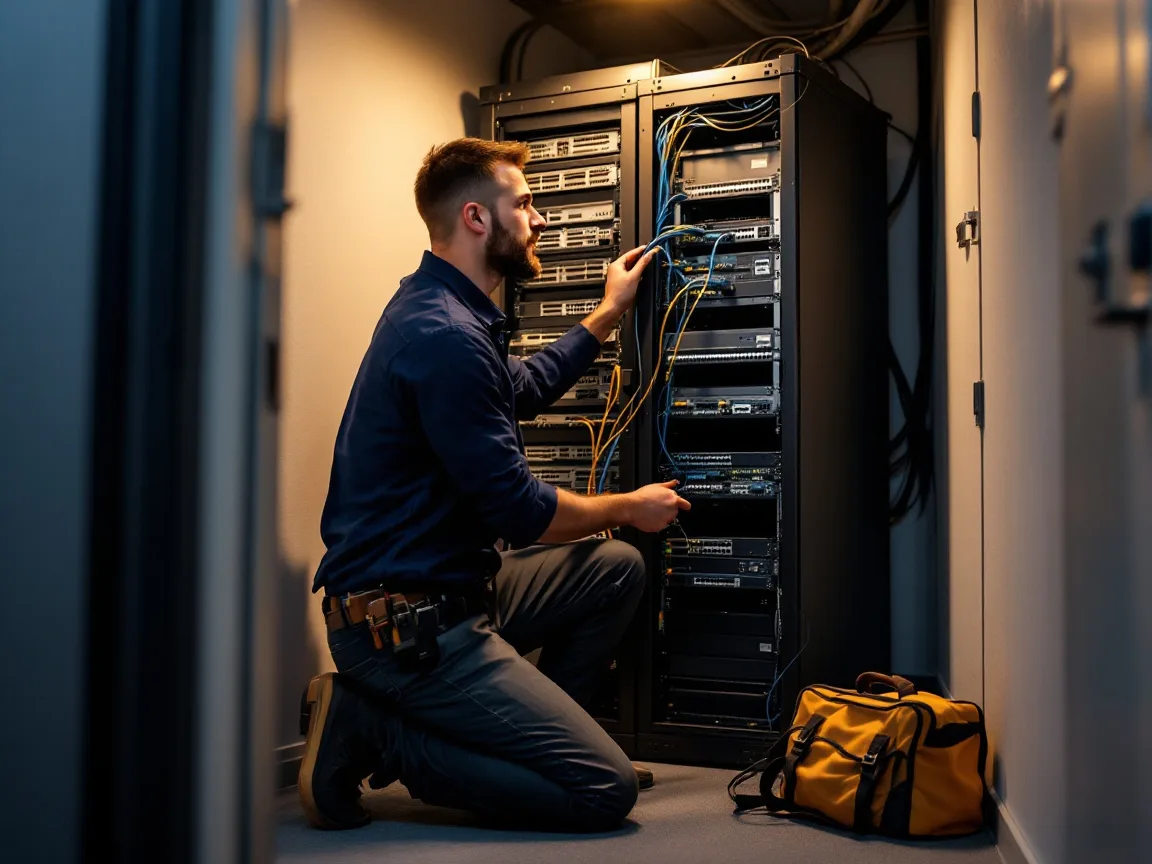
Some work needs hands. Think of a dead switch, a laptop swap, a new hire’s desk, a cabling run, or a printer that won’t join the network. Those jobs need a technician in your building. Our Dallas office sits at 5757 Alpha Road, Suite 530, so on-site work doesn’t depend on a drive from another metro.
Check one thing first. Not every plan includes visits. Our IT Essentials plan at $91 per user per month and IT Pro plan at $110 are remote only, while Fully Managed IT, from $138 per user per month, includes on-site and cloud infrastructure management. IT Pro is built for teams of 12 or more outside Houston and San Antonio, and IT Essentials for teams under 12. Read the fine print. Our pricing page lists what each plan covers.
What stays with an in-house person after you outsource?
Some things work better with your own person, and a provider shouldn’t pretend otherwise. An employee knows why the controller’s laptop crawls every quarter close. They know which executive calls at 7 a.m. They sit in the budget meeting. They can tell that it’s really the controller at the desk asking for a password reset. Faces matter.
That last point matters more than it sounds. The CISA advisory on the Scattered Spider group, revised in July 2025, says attackers posed as employees to convince help desk staff to reset a password and move the employee’s multifactor authentication to a device the attacker controlled. A coworker down the hall spots an odd request. A remote desk has to rely on process, and that’s a real gap. So ask every provider how it verifies a caller before it touches a password or an MFA device. A callback to a known number or a manager’s approval is a better answer than a birthday and an employee ID.
This is why many companies with one or two IT staff keep them and add a provider around them, since that setup keeps the context only an employee has while adding the nights, weekends, and security depth one person can’t cover alone. It’s called co-managed IT, and our co-managed IT in Dallas page explains the split of duties.
Responsibility doesn’t move either. Under Texas Business and Commerce Code 521.053, a company that owns sensitive personal information must notify the people affected no later than the 60th day after it determines a breach occurred, and it must also tell the Attorney General within 30 days when 250 or more Texans are affected. A provider that holds your data without owning it has to tell you immediately. You still send the notice. Don’t forget it.
How many hours does one in-house hire actually cover?
Here’s the arithmetic. The Bureau of Labor Statistics counts 22,600 computer user support specialists in the Dallas-Fort Worth-Arlington area, with a mean wage of $63,030 a year in its May 2025 metro estimates. Add the employer share of benefits and payroll taxes, which the BLS Employer Costs for Employee Compensation release puts at about 1.43 times wages for private employers, and one seat costs roughly $90,100 a year.
That buys 2,080 scheduled hours. A year has 8,760. One person covers under 24% of it, before vacation, sick days, and training. Nights and weekends belong to nobody. The math is simple. Covering every hour takes at least 4.2 people, which is why a lone hire can’t match a shared desk on coverage no matter how good they are.
Network work is thinner and pricier, because the same BLS table shows only 3,340 network support specialists in the metro at an $80,300 mean wage, which comes to about $114,800 a year once benefits and taxes are added. That’s a smaller pool. Our Dallas IT support cost guide sets those wages beside monthly rates. This post cares about what you get for the hours.
That doesn’t make a hire a bad idea. A person who’s there for 2,080 hours and knows your business can beat a faster stranger during those hours. The gap is 6,680 hours. Someone has to cover them.
What do Dallas breach notices say about the front line?
The Texas Attorney General’s public data breach list shows 82 notices from organizations in Dallas, Plano, Irving, Fort Worth, and 19 other DFW cities between October 2025 and early October 2026. That’s 30% of the 271 notices from Texas-based filers. Healthcare providers filed 27 of them. Social Security numbers appear in 63. Twenty reported fewer than 1,000 affected Texans. Small shops get hit too.
Read it carefully. The list shows who was affected and what data was exposed, but it doesn’t say whether a company ran IT in-house or outsourced it, so no honest reading says one model prevents notices. What it does show is that small Dallas organizations hold records worth stealing, and the person answering the help desk is one of the controls that protects them.

How do the two models compare on what you’ll notice day to day?
Put the two models side by side and the differences are mostly about coverage, speed, and memory, because a person remembers your office better than a ticket does while a team covers more hours than a person ever can. Here’s the short version.
| What you expect | In-house person | Outsourced provider |
|---|---|---|
| Who answers first | One person, or nobody when they’re out | A shared team working in shifts |
| Nights and weekends | Rarely covered | Covered on plans with 24/7 support |
| How you ask for help | Walk over or send a message | Portal, phone, or email that opens a ticket |
| Time off and turnover | Coverage drops to zero | Another technician picks up the ticket |
| On-site visits | Always nearby | Included on some plans, remote only on others |
| Knowing your quirks | Years of built-up context | Ticket notes and documentation |
| Caller identity checks | Recognizes faces and voices | Depends on the provider’s process |
| Where the money goes | Salary, benefits, and tools | A monthly per-user rate |
What should you ask before you switch?
A short list does most of the work. Any provider should answer each question in a sentence or two, and the answers tell you what a normal week will feel like once the contract is signed and the novelty is gone.
- Who answers my first call, and where do they sit?
- Which plans include on-site visits, and how fast do they arrive?
- How do you verify a caller before a password or MFA reset?
- What happens to my tickets when a technician leaves?
- Who tells me, and how soon, if you find a breach in my systems?
- What do I still own, and what do you document for me?
Ask early. The answers narrow the field fast. Keep notes, and when you have answers, contact us and we’ll walk through ours. If you’re comparing providers side by side, our list of the best IT support providers in Dallas scores them on the same criteria.
Questions Dallas owners ask before they switch
Will my staff get slower support if we outsource?
Not if they answer fast. A shared team usually has someone free the moment a ticket lands. Fixes that need a visit depend on travel time. Ask for response targets by priority, and test the phone line before you sign.
Do I need an on-site technician in Dallas?
Only for physical work. Most tickets close over a remote session, but a dead switch, a laptop swap, or a cabling job needs hands. Pick a provider with a local office, and check which plan includes visits. Ask first.
Can I keep my current IT person and still outsource?
Yes. That’s co-managed IT. Your person keeps daily support and business context while the provider adds security monitoring, after-hours coverage, and a second set of hands. It suits teams with one or two IT staff. It works well.
What stays my responsibility if a provider runs IT?
The decisions and duties. You approve budgets and risk, and as the data owner you must notify affected people and, at 250 Texans or more, the Attorney General under Texas Business and Commerce Code 521.053. Your provider must tell you right away if it finds a breach.
How long does the switch take?
It depends on your headcount, how well your current setup is documented, and how much your outgoing IT person can hand over. Ask for a written transition plan with dates. Dates matter. Our guide on how to switch MSPs without downtime walks through the steps.
What does outsourced support cost compared with one hire?
A DFW help desk hire runs about $90,100 a year loaded for 2,080 hours, based on BLS wage and compensation data. Our plans start at $91 per user per month remote only and $138 with on-site work. Costs shift with headcount, so see our Dallas cost guide for worked examples.
Want to see what the first week would look like for your team? Talk with our Dallas team about your setup, and we’ll map who answers, what’s covered, and what stays with you.
Talk to Our Dallas Team