Phishing attacks are fraudulent messages that impersonate a trusted sender to steal credentials, redirect payments, or install malware. Uprite provides cybersecurity services for businesses across Texas. They arrive by email, text, phone call, and QR code, and they now account for the largest share of reported cybercrime complaints. Stopping them takes 4 layers working together, not 1 tool.
The short version. Phishing and spoofing generated roughly 192,000 complaints in 2025, more than double the next-largest category, and business email compromise drained about 3 billion dollars on its own. Bad grammar is no longer the giveaway. Verify money and login requests through a second channel, turn on multi-factor authentication everywhere, and write down your first-hour response plan before you need it.
Phishing keeps working because it doesn’t attack your firewall. It attacks a busy person with 200 unread emails and a vendor invoice that looks exactly like the last 11. The FBI logged more than 1 million cybercrime complaints in 2025, with total reported losses near 20.9 billion dollars, and phishing and spoofing sat at the top of the complaint list. Uprite blocks these at the gateway as part of our managed cybersecurity services, but the tooling is only part of the answer.
This guide is written for owners and IT leads at small and mid-sized companies who need to know what these attacks look like in 2026, which controls actually move the needle, and what to do in the first hour after somebody clicks. No theory. Just what we see in real inboxes.
What is a phishing attack?
A phishing attack is a social engineering attempt in which an attacker sends a message that looks like it came from a bank, a coworker, a vendor, or a software provider. The goal is to make the recipient click a link, open a file, approve a login, or move money before they stop to verify anything.
What changed is the quality. Attackers now draft these messages with the same generative tools your marketing team uses, so the spelling is clean, the tone matches your CFO, and the signature block is correct. The Verizon 2026 Data Breach Investigations Report also found click rates run about 40 percent higher on mobile devices, which is where most people read email first. Small screen, truncated sender address, one thumb, no hesitation.
What types of phishing attacks should businesses watch for?
Phishing is a family of techniques, not a single trick. Your team should be able to name each one, because the defenses are different.
| Attack type | How it arrives | What the attacker wants | Who it targets |
|---|---|---|---|
| Bulk email phishing | Mass email with a spoofed login page | Passwords and session cookies | Anyone with an inbox |
| Spear phishing | A researched email naming real projects and people | A specific account or foothold | Finance, HR, IT admins |
| Business email compromise | A clean email from a spoofed executive or vendor | A wire transfer or banking change | Accounts payable and payroll |
| Smishing | SMS or a messaging app | A credential or an MFA code | Mobile-heavy staff and field teams |
| Vishing | A phone call, sometimes an AI-cloned voice | Verbal approval or a read-out code | Help desk and reception |
| Quishing | A QR code in an email, flyer, or invoice | A login on an unmanaged phone | Staff scanning on personal devices |
| Clone phishing | A copy of a real email you already got, with a swapped link | Trust in a familiar thread | Long-running vendor threads |
The channels you monitor least are the ones growing fastest. Email filtering does nothing for a text message or a QR code printed on a fake parking notice. If you are in the Houston market specifically, we broke down the local pattern in phishing attacks on Houston SMBs.
Which email attachments carry the most malware?
Attachments remain the most reliable malware delivery method because they ride inside a file format your business already trusts. These 5 carry the bulk of it.
| File type | How the payload runs | The tell |
|---|---|---|
| Office files with macros (.docm, .xlsm) | A macro executes on enable-content and pulls down a second-stage payload | Any prompt to enable editing or content on a file you didn’t request |
| Embedded JavaScript, an embedded executable, or a link to a credential-harvesting page | A PDF whose only content is a button or a blurred preview asking you to sign in | |
| ZIP and RAR archives | Compression hides the real payload from signature scanners until extraction | A password in the email body so the scanner cannot open the archive |
| HTML and SVG | The file is a full phishing page that renders locally, so no suspicious domain appears | An attached web page for something that should have been plain text |
| Executables disguised as media (.exe, .scr) | Runs directly, often behind a double extension such as invoice.pdf.exe | A file icon that doesn’t match the extension |
A quick honest note. Blocking macros helped, and attackers adapted within months by moving to archives, disk images, and HTML attachments. Any list of dangerous file types has a shelf life. The durable rule is that an unexpected attachment gets verified with the sender before it gets opened, whatever the extension says.
How do you spot a phishing attack when the grammar is perfect?
You spot it by checking the real sender address, hovering every link before clicking, and treating urgency around money or credentials as the warning itself. Typos stopped being a reliable signal 2 years ago. These 8 red flags still hold up.
- The display name and the real address disagree. The name says Microsoft, the address is a lookalike domain or a free mailbox.
- The domain is off by 1 character. A swapped letter, an extra hyphen, or a .co where it should be .com.
- Urgency is doing the persuading. A deadline, a threatened account closure, or a wire that has to clear today.
- The link text and the link target don’t match. Hover and read the status bar before you click anything.
- The request bypasses a normal process. A banking change by email instead of through your vendor portal.
- The sender moved channels for no reason. An executive suddenly emailing from a personal address or texting instead.
- The attachment wasn’t expected. An invoice, a shipping notice, or a shared file nobody mentioned.
- It asks you to keep it quiet. Confidentiality framing exists to stop you from asking a coworker.
If you remember 1 thing, make it this. Any message that wants money, credentials, or speed gets verified through a channel you already had, never a number or link inside the message itself.
How do you prevent phishing attacks in a small business?
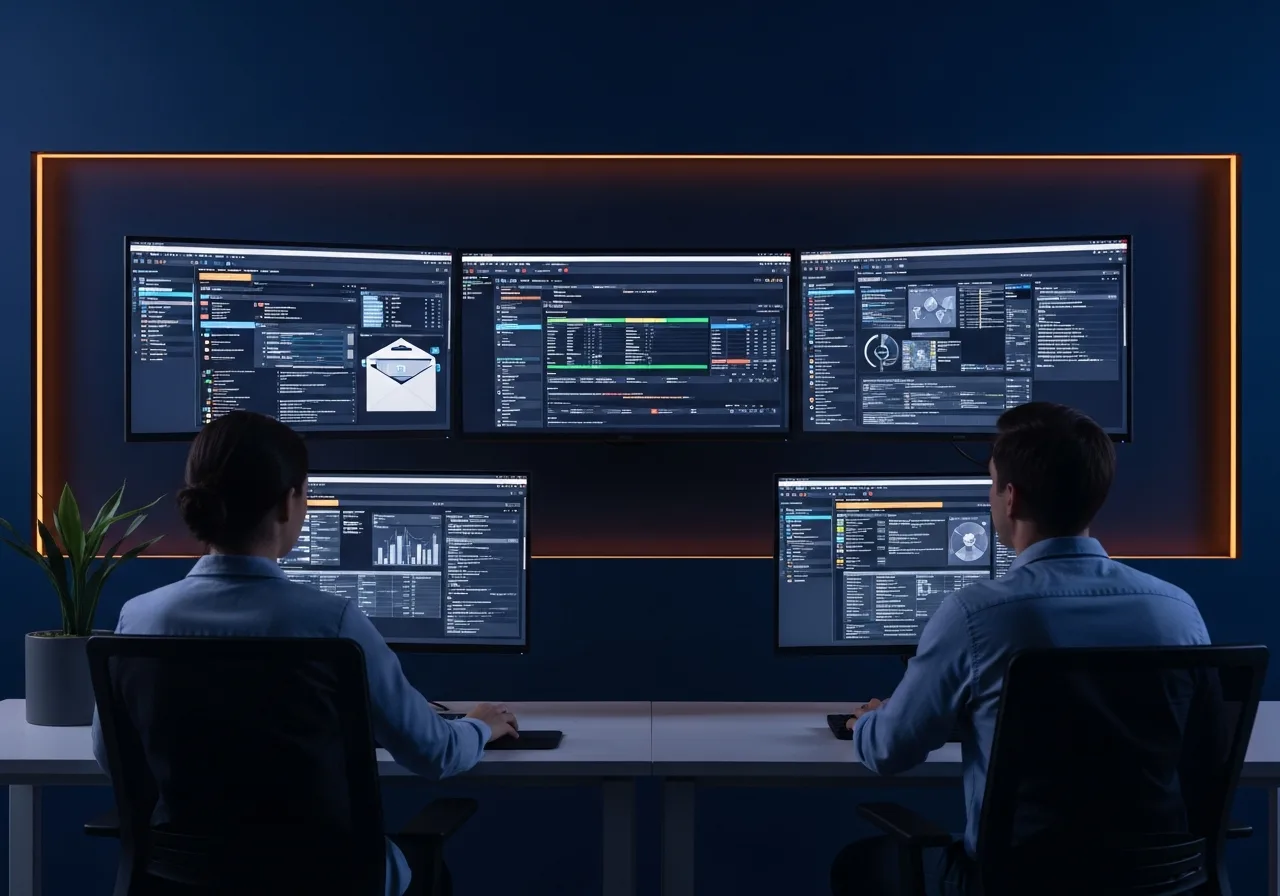
You prevent phishing with layers, because no single control catches everything. Here’s the order we recommend when the budget is real and the list has to be short.
| Priority | Control | Why it earns the spot | Rough effort |
|---|---|---|---|
| 1 | Multi-factor authentication on every account | Turns a stolen password into a dead end | Days, low cost |
| 2 | A written second-channel rule for payments | Kills business email compromise, the most expensive category | Hours, no cost |
| 3 | Security awareness training with quarterly simulations | Builds the reporting habit that shortens every incident | Ongoing, low cost |
| 4 | SPF, DKIM, and DMARC on your domain | Stops attackers spoofing your own company name at other people | Days, low cost |
| 5 | Email gateway with attachment sandboxing | Detonates unknown files before they reach a mailbox | Weeks, moderate cost |
| 6 | Endpoint detection and response with monitoring | Catches the click that gets through, at 2am | Weeks, moderate cost |
Start with multi-factor authentication. It’s the cheapest control with the largest effect, and if you haven’t rolled it out yet, here is why skipping multi-factor authentication is a mistake. Then close the loop on the rest of your stack with email security and broader protection against SMB cyberthreats.
One caveat worth stating plainly, because plenty of vendors won’t. App-based and SMS multi-factor authentication can be relayed in real time by attacker-in-the-middle kits, so it’s a very high floor rather than a ceiling. CISA is explicit that only FIDO and WebAuthn methods qualify as phishing-resistant. For your finance, admin, and executive accounts, hardware keys or passkeys are the upgrade worth budgeting for.
What should you do in the first hour after someone clicks?
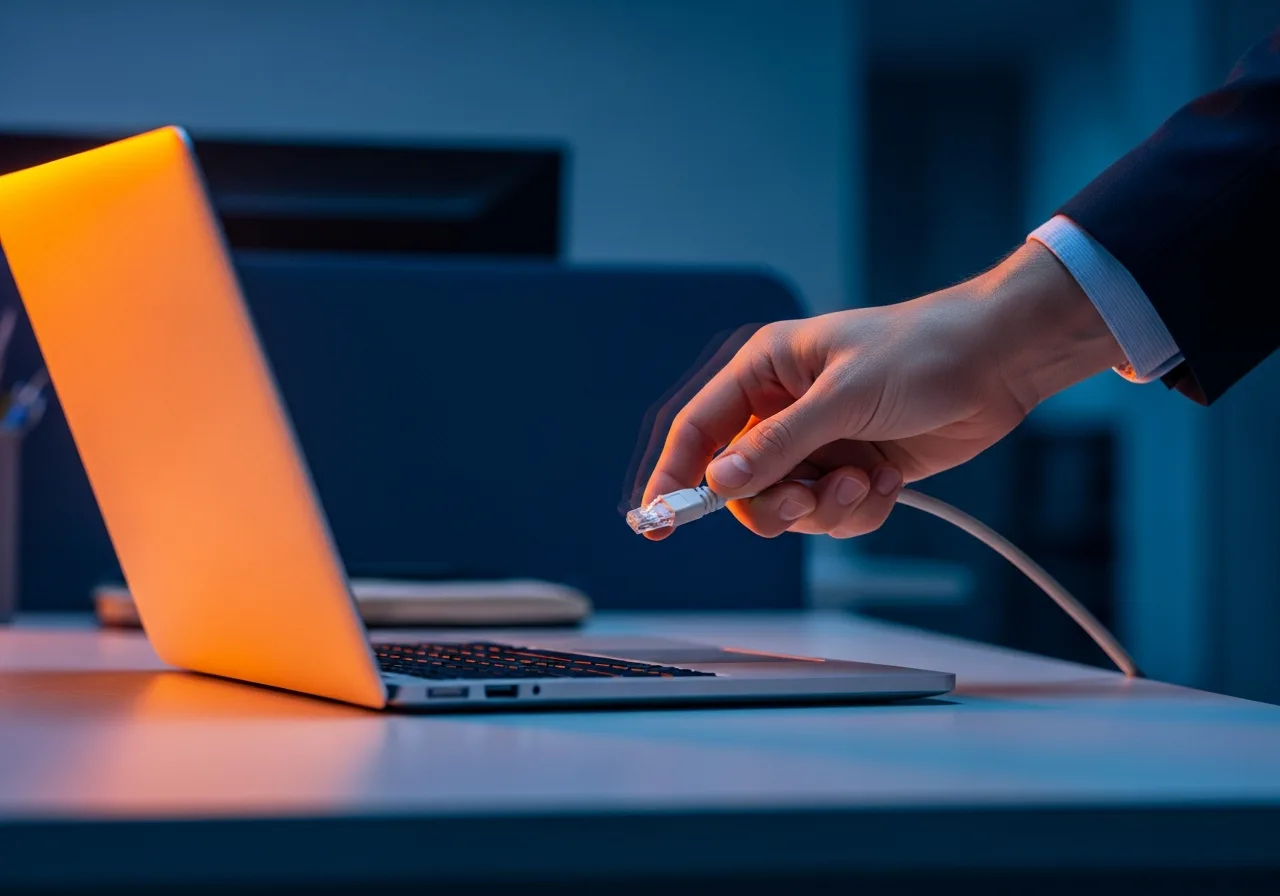
Contain first, investigate second, and don’t spend the first hour deciding whose fault it was. Run this sequence in order.
- Report it immediately. Capture the subject line, the timestamp, what was clicked, and whether credentials were typed anywhere.
- Isolate the device. Disconnect Wi-Fi and ethernet so a payload can’t move laterally. Leave the machine powered on, because volatile memory holds evidence that a shutdown destroys.
- Reset the exposed credentials. Treat anything entered on a fake login page as compromised, along with every other account that shared that password.
- Hunt for mailbox rules. Attackers who capture a Microsoft 365 or Google Workspace password very often add a hidden forwarding or auto-delete rule so they keep reading mail after the reset.
- Watch the money. Notify your bank, review pending transfers, and freeze any vendor banking change made in the last 30 days.
- Report externally. File with the FBI Internet Crime Complaint Center, and check whether Texas breach-notification duties apply if customer data was exposed.
Assume the same message reached other people. Phishing arrives in waves, and the second person rarely reports as fast as the first. If the click ends in encryption rather than theft, our step-by-step ransomware prevention plan covers what comes next.
What have real phishing attacks cost businesses?
The named malware families make the point better than any statistic, because each one arrived the same way.
Emotet, delivered by Word macro
Emotet spread through Word documents that asked the recipient to enable content. Once the macro ran, it installed a loader that pulled in banking trojans and ransomware, then harvested the victim mailbox to send the next round of phishing from a real, trusted contact. CISA advisory AA20-280A documents the federal response.
Dridex, delivered by Excel macro
Dridex used malicious Excel attachments to install a banking trojan that logged keystrokes and injected fake fields into online banking sessions. Victims saw their normal bank site while their credentials and transactions were being rewritten underneath.
Locky, delivered by ZIP archive
Locky shipped inside ZIP archives labeled as invoices and scanned documents. Extraction ran a script that encrypted every reachable file, including mapped network drives, which is how 1 workstation became a company-wide outage.
Business email compromise, delivered by nothing at all
The most expensive category involves no malware whatsoever. Per the FBI 2025 Internet Crime Report, business email compromise accounted for roughly 3 billion dollars in reported losses, with average losses well over 100,000 dollars per complaint. There’s no attachment to scan and no link to block. There’s only a payment process with no verification step in it.
How do Texas businesses get phishing coverage in place?
Uprite runs email security, awareness training, and 24/7 monitoring for small and mid-sized companies across the state, with local teams in each major metro.
- Cybersecurity services in Houston for energy, healthcare, legal, and construction firms across the Energy Corridor and the Medical Center.
- Cybersecurity services in Dallas for professional services and distribution companies across the DFW metroplex.
- Cybersecurity services in San Antonio for healthcare, government contractors, and manufacturers.
- Cybersecurity services in Fort Worth for manufacturing, logistics, and family-owned firms.
Phishing questions business owners actually ask
What is the most common type of phishing attack?
Bulk email phishing is still the highest volume, but business email compromise causes the most financial damage. The FBI ranked phishing and spoofing as the single most reported complaint category in 2025, with roughly 192,000 complaints, more than double the next category.
Are PDF attachments safe to open?
Not automatically. A PDF can carry embedded JavaScript, an embedded executable, or a link to a credential-harvesting page. Open PDFs only from senders you were expecting a file from, and disable JavaScript in your PDF reader defaults. A PDF whose only content is a sign-in button is a phishing page wearing a document costume.
Can a ZIP or RAR attachment infect my computer?
Yes. Compression hides the real payload from signature-based scanners until the moment of extraction, and a password in the email body defeats gateway scanning entirely. Locky ransomware used exactly this route. Treat any password-protected archive from outside your company as hostile until the sender confirms it by phone.
How do I tell a phishing email from a real one now that the spelling is perfect?
Check 3 things. The full sender address rather than the display name, whether the link target matches the link text, and whether the request fits your normal workflow with that person. Unexpected invoices, banking changes, and password resets are the highest-risk pattern regardless of how well written they are.
We only have 15 employees. Are we really a target?
Very much so. Attackers pick small companies deliberately, because a 15-person firm still wires real money but rarely has anyone watching the mail flow. You’re profitable enough to be worth the effort and lean enough to be reachable. That combination is the entire selection criteria.
Someone already clicked. Is it too late?
No, if you move now. Disconnect the device from the network without powering it off, reset every credential that was entered, and check Microsoft 365 or Google Workspace for hidden mail-forwarding rules. That last step is the one most teams skip, and it’s how attackers keep reading your mail for weeks after the password reset.
Does multi-factor authentication actually stop phishing?
It stops the overwhelming majority of credential-based attacks, which makes it the highest-value control you can deploy. It isn’t absolute. Real-time relay kits can defeat SMS and app-based codes, so CISA recommends FIDO and WebAuthn hardware keys or passkeys for finance, admin, and executive accounts.
How often should we run phishing simulations?
Quarterly at minimum. Annual training fades long before the threat changes, and short repeated drills paired with immediate coaching outperform a single long session by a wide margin. The metric that matters isn’t the click rate. It’s how fast people report, because reporting speed is what shortens every incident.
Where to start this week
Three moves, in order. Turn on multi-factor authentication across every account, including the ones nobody logs into anymore. Write a 1 paragraph rule that any payment or banking change gets a callback to a number you already had. Then print your first-hour response steps and put them somewhere your team can find at 4pm on a Friday.
None of that requires a large budget. It requires deciding to do it before an attacker decides for you. Most of the damage we get called in to clean up traces back to a control somebody had already identified and hadn’t finished rolling out.
Find out what a phishing email would actually reach at your company.
We will review your email authentication, multi-factor coverage, and payment verification process, then hand you a prioritized list of what to fix first. No obligation, and you keep the findings either way.