To choose an IT company in San Antonio, match a provider to your industry and compliance needs, verify its security depth and written response times, call real client references your size, and read the exit terms before you sign. The right partner earns trust in weeks, not years.
Shortlist San Antonio IT companies that know your industry, run their own help desk, and put response times in writing. Ask for two references your size, verify SOC 2 and Microsoft credentials yourself, and confirm they can support the compliance you face, whether that is HIPAA, CMMC, or Texas SB 2610. Compare scope, not just the per-user price, and never sign a long contract without a clear exit clause. For a worked example of that comparison, see Uprite vs Rx Technology. A strong managed IT partner in San Antonio feels like an extension of your team, not a vendor you chase.
What does an IT company in San Antonio actually do?
A San Antonio IT company runs the technology your business depends on so your team can stay focused on the work that pays the bills. In practice that means help desk support, network and server management, cloud administration, data backup, and cybersecurity, delivered on a flat monthly fee. The strongest providers also plan ahead, so problems get prevented instead of firefought.
Most local providers package this as managed IT services in San Antonio, the model that replaced the old break-fix habit of calling someone only after something broke. You are not buying hours anymore. You are buying an outcome, systems that stay up, data that stays safe, and a team that already knows your setup the moment you call. The forces behind that shift are worth understanding before you shortlist anyone, and we walk through them in break-fix vs managed IT in San Antonio.
Start with the San Antonio factor, not the sales pitch

San Antonio is not a generic market, and your IT partner should not treat it like one. This is the densest military and cybersecurity hub in the country. Joint Base San Antonio, the 16th Air Force, and the NSA Texas Cryptologic Center have made the city one of the largest concentrations of cyber and intelligence talent outside Washington, and Texas is now standing up its statewide Cyber Command headquartered here. That raises the bar for what a local IT provider should know about security.
The rest of the economy is just as specific. The South Texas Medical Center runs more than 45 institutions and employs over 30,000 people, so HIPAA fluency is not optional for any provider serving healthcare. Defense suppliers working with JBSA carry CMMC and NIST 800-171 obligations. And the growth is spilling north and east into Stone Oak, Boerne, New Braunfels, Schertz, and the I-35 corridor, where fast-scaling companies outrun their old IT setups every year. A provider that has never worked in your corner of this market will learn on your dime.
Local presence matters more than most buyers expect. When a server room goes down or a storm knocks out power in the Hill Country, you want a technician who can be on site, not a ticket that sits in a queue three time zones away. Ask where the help desk actually sits and how fast a real person can reach your office. A San Antonio-based team that can dispatch on-site IT support in San Antonio is worth more than a cheaper quote from a call center you will never meet.
Industry fit is the other half of the San Antonio factor. A clinic near the Medical Center needs a partner fluent in HIPAA and the state HB 300 privacy rules. A defense or aerospace supplier near Port San Antonio may need CMMC Level 2. A CPA or law firm has its own data-retention duties. When you interview a provider, ask them to name two clients in your industry and describe a real problem they solved for one. Vague answers there tell you plenty.
The questions that separate a partner from a vendor

Every IT company will tell you they are proactive, responsive, and secure. The point of a good interview is to make them prove it. These are the questions we would ask if we were sitting on your side of the table, along with the answers that should reassure you.
- Do you run your own help desk, or is it outsourced? A US-based, in-house team that knows your account beats a third-party call center reading from a script.
- What response times will you put in the contract? You want a written service level agreement, not a promise. Industry norms run roughly 15 minutes for a critical outage and a few business hours for routine tickets, a benchmark the Freshworks SLA guide lays out clearly.
- Can I speak with two clients my size, in my industry? Then actually call them, and ask how the provider performed during a real incident, not a sales demo.
- How do you handle security, specifically? Listen for multi-factor authentication, endpoint detection and response, email filtering, and around-the-clock monitoring, not just “we have antivirus.”
- What does onboarding look like, week by week? A real provider has a documented plan for discovery, documentation, and the first 90 days. Improvisation here becomes chaos later.
- What happens to my data and access if we part ways? The answer should be clean and specific, with no hostage-taking of your systems or passwords.
One honest note. No provider aces every answer, and you should be suspicious of the ones who claim they do. What you are really listening for is candor. A partner who says “here is what we are great at, and here is where we bring in a specialist” is telling you the truth about how technology actually works. If you want the full vetting sheet, our managed IT services checklist walks through it line by line.
Match the model to your business
Not every San Antonio business needs the same arrangement. If you have no internal IT staff, a fully managed model hands the whole function to your provider on a predictable monthly fee. If you already have an IT person or a small team, a co-managed IT model in San Antonio adds outside capacity, security depth, and after-hours coverage without replacing the people who already know your business. We break the two apart in detail in our guide on managed versus co-managed IT.
| If your business | Best fit | Why |
|---|---|---|
| Has no in-house IT | Fully managed | One partner owns support, security, and strategy on a flat fee |
| Has a small internal team | Co-managed | Adds tools, a security operations center, and overflow help |
| Faces HIPAA, CMMC, or PCI | Managed plus dedicated security | Compliance evidence and 24/7 monitoring the rules require |
| Runs lean with tight budgets | Fully managed, right-sized | Predictable cost beats surprise break-fix invoices |
What San Antonio IT companies actually cost

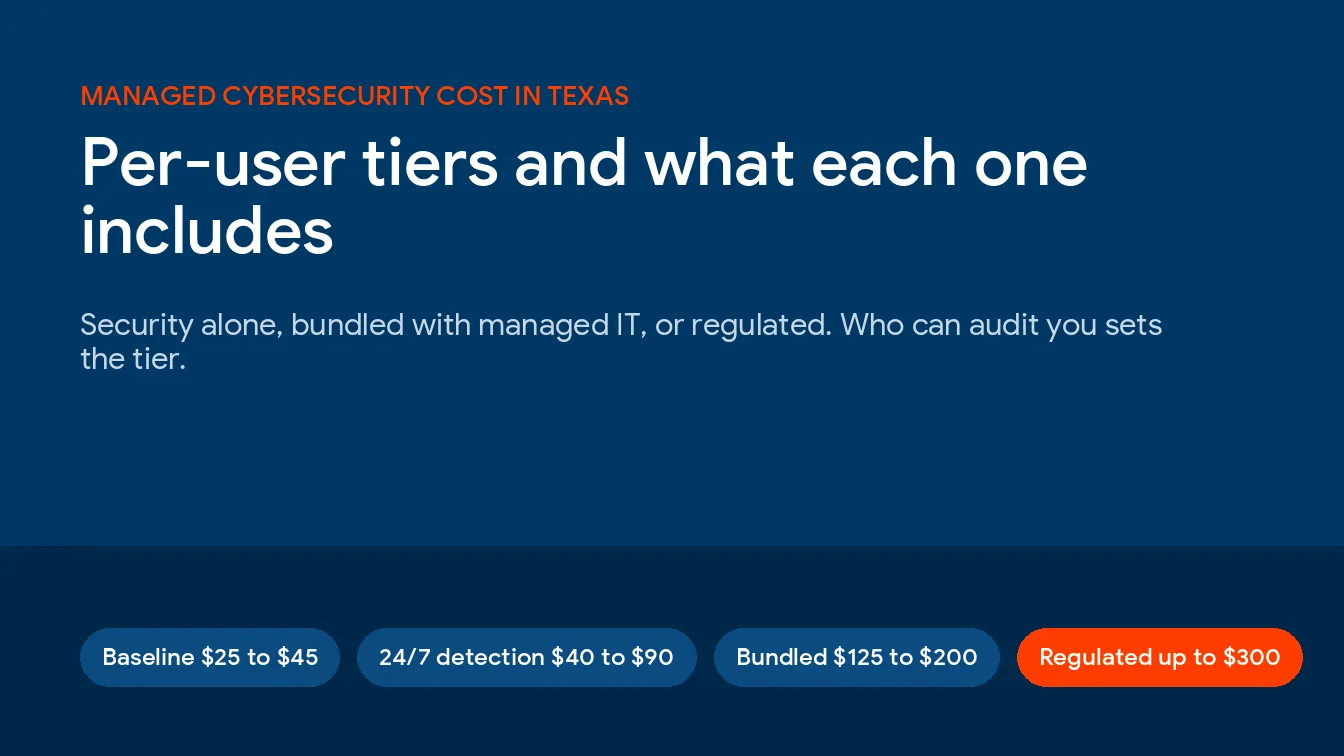
Pricing for managed IT is usually quoted per user per month. National data compiled by CloudSecureTech puts the 2026 range at roughly $100 to $400 per user per month, with most small and midsize businesses landing between $150 and $200 for comprehensive coverage. A company of 10 to 50 employees commonly pays somewhere between $1,000 and $5,000 a month, depending on how much security and compliance work is baked in. Healthcare and defense clients tend to sit at the higher end, which tracks with the local market here.
| Tier | Rough price per user | What it usually covers |
|---|---|---|
| Basic | $100 to $125 | Help desk and monitoring |
| Standard | $150 to $200 | Adds backup, cybersecurity tooling, cloud management |
| Premium | $200 to $300 plus | Adds 24/7 monitoring, compliance work, and a virtual CIO |
Here is the part that trips up buyers. The cheapest quote is often the most expensive once you count what got carved out. Read what is not included, after-hours support, project work, hardware, onboarding, and a server migration you did not see coming. Compare scope, then compare price. The San Antonio IT buyers guide sets out the 6 week process and the worksheet for doing exactly that. If you want a local reference point, we break the numbers down further in our guide to managed IT cost in San Antonio. A slightly higher flat fee with everything inside it usually beats a low headline number stacked with add-ons. The same carve-outs drive most of the San Antonio IT support contract mistakes we see after the ink dries.
Credentials and proof worth verifying yourself
Certifications are only useful if they are real and current, so do not take a logo on a website at face value. A credible San Antonio IT company carries at least one independent security attestation, one vendor partnership, and staff-level technical certifications. Verify them yourself before you sign. We applied that same test to the whole local market and published the results, so you can see which San Antonio security providers hold audited credentials rather than logos.
- SOC 2 or ISO 27001. Ask for the actual report or certificate. SOC 2 is an attestation an independent CPA firm renews every year, so a current date matters.
- Microsoft or other vendor status. Ask for the partner ID and check it on the Microsoft partner directory at Microsoft Solution Providers. A real designation means certified engineers and verified deployments.
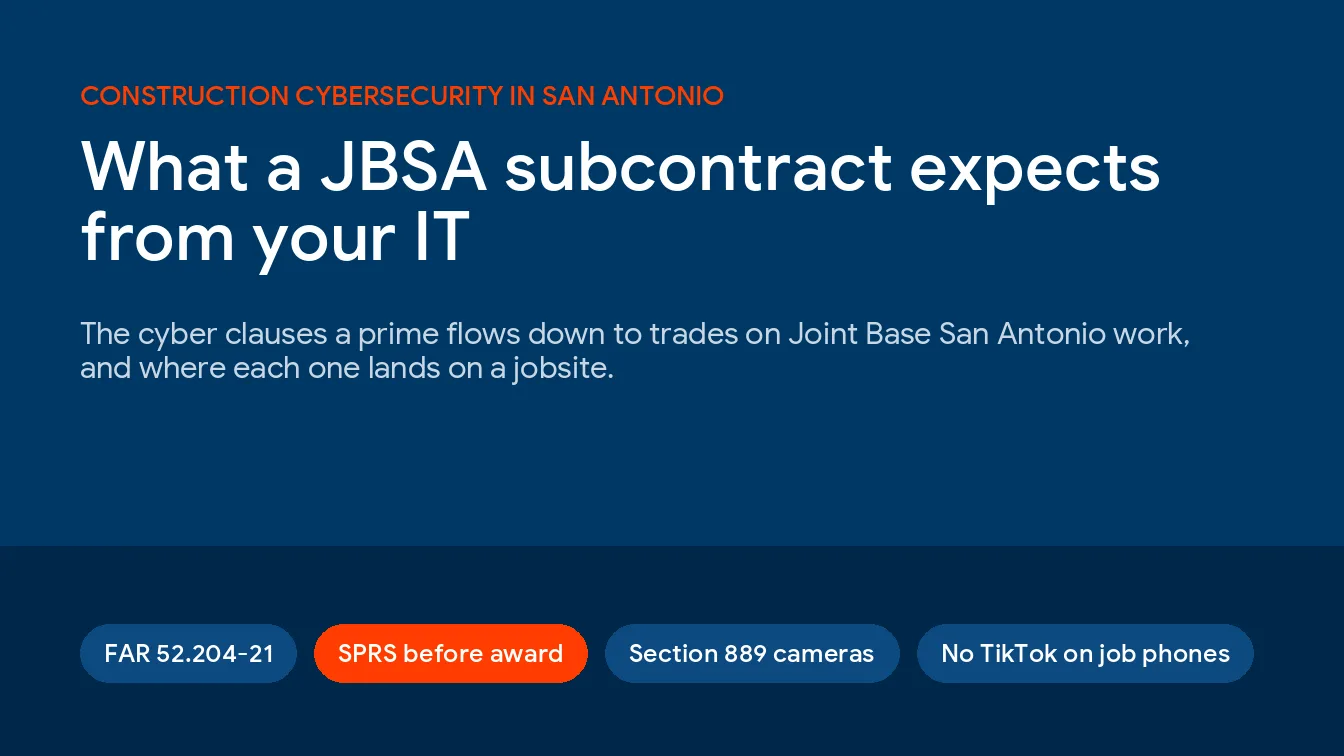
- CMMC and NIST 800-171, if you touch defense work. With JBSA and Port San Antonio in the region, plenty of local suppliers handle controlled information. CMMC Level 2 maps to 110 NIST 800-171 controls, so ask a provider to describe how they help you reach and prove it.
- Client references you can call. Two or three businesses your size, in your industry, who will speak candidly about how the provider handled a bad day.
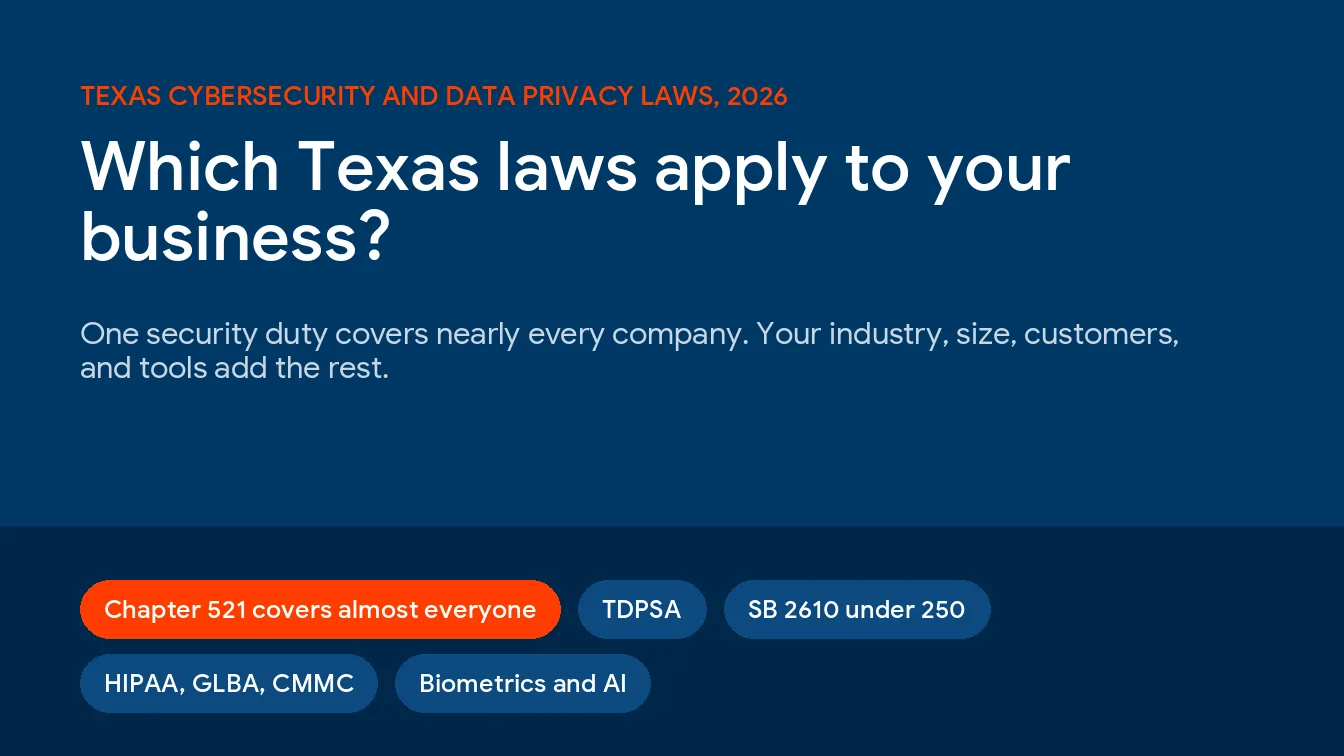
- Texas SB 2610 readiness. The state’s new cybersecurity safe harbor rewards businesses that adopt a recognized security framework. A provider who can explain how they help you qualify is a provider who understands where Texas is headed.
That last point is newer than most buyers realize. Texas SB 2610 took effect on September 1, 2025, and it shields businesses with fewer than 250 employees from punitive damages in a breach lawsuit if they maintain a qualified cybersecurity program, per the analysis from Spencer Fane. An IT partner who is already building toward that standard is protecting more than your uptime. Our cybersecurity solutions team treats it as table stakes.
Red flags that should end the conversation
Some warning signs are worth walking away over, even when everything else looks good. Watch for these before you sign anything.
- A long contract with no exit clause. The length is not the problem. The lack of a reasonable termination or satisfaction clause is. Confident providers do not need to trap you.
- Vague or missing SLAs. If nobody will commit to response times in writing, you have no accountability when things go quiet.
- Pricing you cannot pin down. Hidden fees, surprise invoices for routine work, and “we will figure that out later” are how a good deal turns bad.
- Proprietary lock-in. If leaving means abandoning your own email, tools, or data, control has quietly left your hands.
- Disorganization in the sales process. If they cannot run a tidy proposal and onboarding conversation, expect that same chaos in your support queue.
Signs it is time to switch your current provider
Plenty of San Antonio businesses reading this already have an IT company and are quietly wondering if they settled. A few patterns tell you the honeymoon is over. Response times that keep slipping are a systemic problem, not a bad week. Recurring outages usually mean reactive management instead of real monitoring. The stakes are not small either. The Verizon Data Breach Investigations Report found ransomware present in 88% of breaches at small and midsize businesses, compared with 39% at large ones, and even a short outage gets expensive fast once you count lost work, missed orders, and recovery time.
If your provider only shows up after something breaks, you do not have a managed IT partner. You have a break-fix vendor on a monthly retainer. The fix is not always a new provider, sometimes it is a candid conversation, but if the same problems keep resurfacing, the market has plenty of better options. Reliable partners commit to fast emergency response and back it with a real San Antonio IT support response time you can hold them to.
A simple process to choose the right one

You do not need a procurement department to make a good decision. Run this over a couple of weeks and you will separate the real partners from the polished pitches.
- Write down your priorities first, security, uptime, compliance, budget, so you interview against your needs, not their script.
- Shortlist three San Antonio providers with proven experience in your industry.
- Interview each with the questions above, and ask for the SLA and a sample onboarding plan in writing.
- Call the references, and ask specifically about a hard day, not the easy ones.
- Verify credentials yourself, then compare full scope against price, not price alone.
- Read the contract exit terms last, and do not sign until they are clean.
How Uprite fits
We are a Texas-based IT company with a San Antonio team, and we built Uprite to be the partner most businesses wish they had hired the first time. Our clients get a US-based help desk, response times we commit to in writing, and one team that handles both managed IT services and cybersecurity, so there is no finger pointing between an IT vendor and a security vendor at 2 a.m. The people who keep your systems running and the people who defend them sit on the same side of the table.
We work across the healthcare, defense, financial, and professional-services firms that anchor so much of the San Antonio economy, and we are happy to hand you references in your own industry. If you are weighing a few providers, use the questions in this guide on us. We would rather earn the relationship than win the pitch.
Comparing IT companies in San Antonio?
Put us through the same questions you ask everyone else. We will give you a straight read on fit, references in your industry, and a written response-time commitment. Call (866) 570-3065 or request a consultation.
Common questions about choosing a San Antonio IT company
How much does a managed IT company cost in San Antonio?
Most San Antonio small and midsize businesses pay between $150 and $200 per user per month for comprehensive managed IT, with the full market running from about $100 to $400 depending on security and compliance needs. A 10 to 50 person company usually budgets $1,000 to $5,000 a month. Compare what is included before you compare the number.
Should I hire a local San Antonio IT company or a national provider?
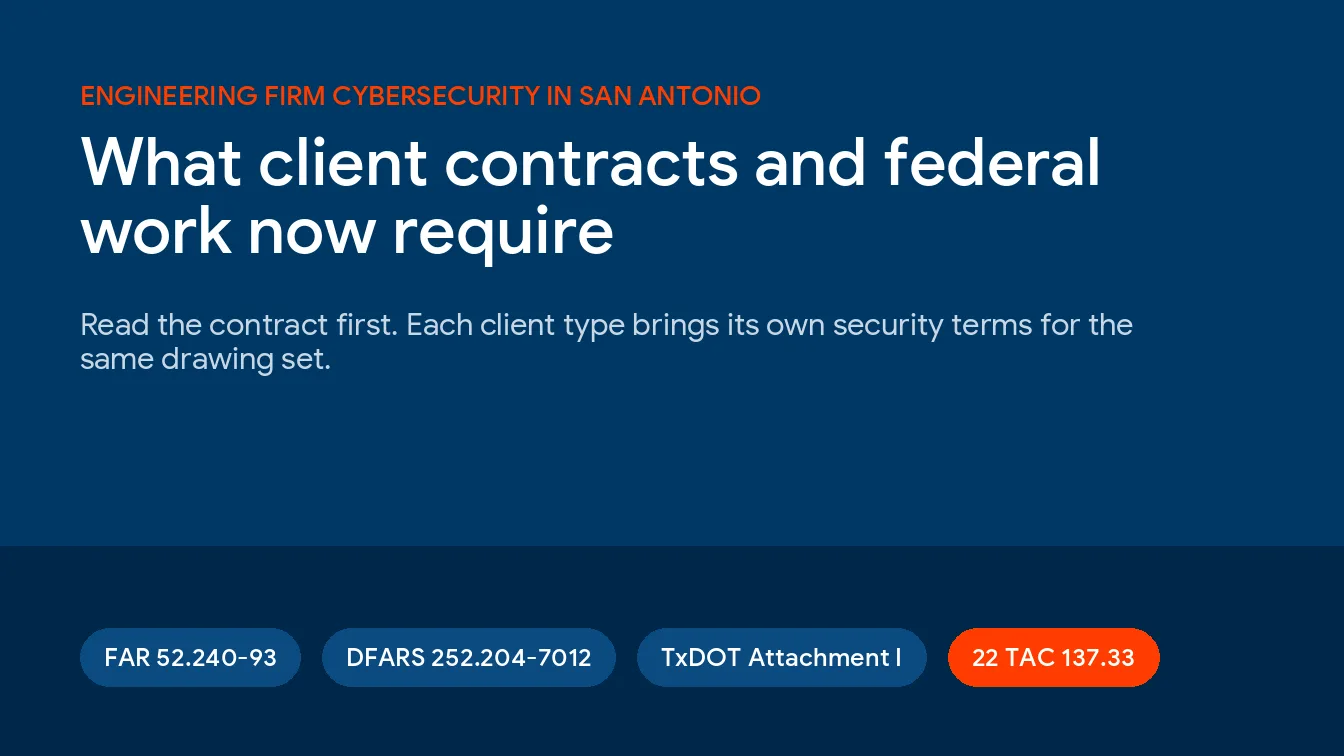
For most businesses, local wins on the things that matter during a crisis. A San Antonio-based provider can dispatch a technician on site, understands regional strengths like the cyber and defense sector, and knows the compliance landscape for healthcare, military suppliers, and professional services here. National scale rarely beats a partner who can drive to your office. Firms in a specific vertical can go narrower, starting with our roundup of the top MSPs for San Antonio engineering firms.
What questions should I ask before hiring an IT company?
Ask whether the help desk is in-house, what response times they will put in the contract, whether you can call two references your size, how they handle security specifically, and what happens to your data if you leave. Candid, specific answers matter more than a polished pitch.
How do I know if a San Antonio IT company is actually secure?
Ask for a current SOC 2 or ISO 27001 report and verify it, confirm they run multi-factor authentication, endpoint detection, and around-the-clock monitoring, and ask how they help you meet CMMC or Texas SB 2610 if those apply. A provider who only mentions antivirus is not offering real security.
Do San Antonio defense contractors need a special kind of IT provider?
Often yes. Suppliers working with Joint Base San Antonio or Port San Antonio usually handle controlled information and must meet CMMC Level 2, which maps to 110 NIST 800-171 controls. Choose a provider who can show experience building and documenting that compliance, not just talking about it.
How long does it take to switch IT companies?
A well-run onboarding usually takes 30 to 90 days from signing to full handover, with core support live much sooner. A provider with a documented onboarding plan can give you a week-by-week timeline before you commit, which is one more reason to ask for it up front.