A dental HIPAA security risk analysis is the written assessment required by 45 CFR 164.308(a)(1)(ii)(A), covering every system in the practice that holds electronic patient information. It isn’t training. It isn’t a checklist. It isn’t your software vendor’s compliance page. Most Texas practices we meet have all 3 of those and none of the analysis, and the analysis is the document a federal investigator asks for first. It is the gap we open with on every dental IT support engagement.
Short version. The Security Rule names 1 document as foundational and it is the one dental offices skip. The rule never says annual. It says accurate and thorough, scoped to all electronic protected health information you create, receive, maintain or transmit. In a dental practice that scope reaches the imaging database, the sensor software on every operatory machine, the cone beam unit and archives from a server you retired in 2018. Most analyses stop at the practice management box.
I have sat across the desk from a lot of Texas dentists holding a binder. That binder is real. It has policies in it, a signed workforce training log, a notice of privacy practices and a business associate agreement or 2. What it almost never has is the risk analysis, and the practice owner is usually surprised to hear those are different things.
They are different things. One is a set of policies. The other is an evidentiary document that says what you looked at, what could go wrong, how likely it is, how bad it would be, and what you decided to do. The Security Rule treats the second one as the starting point for everything else. Skip it and every safeguard downstream rests on an assumption nobody wrote down.

What Is a HIPAA Security Risk Analysis for a Dental Practice?
A HIPAA security risk analysis is a written, dated assessment of the risks to the confidentiality, integrity and availability of the electronic patient data a dental practice holds. It is a required implementation specification, not an optional best practice, and it applies identically to a solo office and a 30-location group.
That regulation is 1 sentence long. Here it is in full, from 45 CFR 164.308.
Risk analysis (Required). Conduct an accurate and thorough assessment of the potential risks and vulnerabilities to the confidentiality, integrity, and availability of electronic protected health information held by the covered entity or business associate.
Read it twice. Notice what is absent. There is no frequency. There is no page count. There is no exemption for small practices, no carve out for cloud software, and no mention of a vendor doing it on your behalf. What the rule does supply is a standard of quality, and that standard is the phrase accurate and thorough. Those 3 words are what OCR quotes back at practices in nearly every Security Rule enforcement action it publishes, so they are worth taking literally rather than aspirationally.
The OCR guidance on risk analysis fills in the rest. It is the only document the federal government has published that says what a compliant analysis has to contain, and it has been sitting on the HHS site, largely unread by the dental industry, since 2010. Most of what follows comes straight out of it.
Four Things Dental Practices Mistake for the Risk Analysis
This is the part that costs practices money. Each of these 4 is a genuinely useful thing to have. None of them satisfies 164.308(a)(1)(ii)(A), and a practice that believes otherwise will find out during an investigation, which is the worst possible moment to learn it. If you are budgeting the real thing, here is what a full HIPAA compliance program costs a Texas practice.
| What the practice has | What it actually is | Why it is not the analysis |
|---|---|---|
| The HIPAA binder and annual staff training | Policies, procedures and a workforce training record | Policies describe what you intend to do. A risk analysis documents what could go wrong and how likely it is. The rule requires both, separately. |
| The software vendor’s HIPAA compliance page | A vendor statement about that vendor’s product | Your ePHI lives in more places than the practice management database. A vendor cannot analyze systems it cannot see. |
| A vulnerability scan or penetration test | A technical snapshot of exploitable weaknesses | A scan finds technical vulnerabilities. It does not identify where ePHI lives, rate likelihood and impact, or record a risk decision. |
| A HIPAA compliance checklist | A prompt list, useful for getting started | ONC states plainly that checklists fall short of performing or documenting a systematic risk analysis. |
Drawn from 45 CFR 164.308 and the ONC Top 10 Myths of Security Risk Analysis.
Why the vendor myth is the expensive one
Ask a practice who handles their HIPAA compliance and you will often hear the name of a practice management platform. Dentrix. Eaglesoft. Open Dental. Curve. Denticon. Those platforms are fine. That assumption is not. ONC addresses this directly and leaves no wiggle room, stating that EHR vendors are not responsible for making their products compliant with the HIPAA Privacy and Security Rules, and that it is solely the provider’s responsibility to have a complete risk analysis conducted.
The ADA’s own HIPAA guidance says the same thing in gentler language. A covered dental practice designates a security official, conducts a risk assessment of electronic patient information, and writes the policies that follow from it. That order matters. The assessment comes before the policies, not after.
An honest word about vulnerability scans
We sell vulnerability scanning. It is a genuinely good input to a risk analysis and I would not run one without it. It is also not the analysis, and any IT provider telling a dentist that a quarterly scan report satisfies 164.308 is describing their own deliverable rather than the regulation. If your provider has handed you a scan and called it your HIPAA risk assessment, that is a conversation worth having with them this month. Not a hostile one. Just a clarifying one. If you’re replacing that provider, our comparison of Houston dental IT providers scores each firm’s compliance documentation.
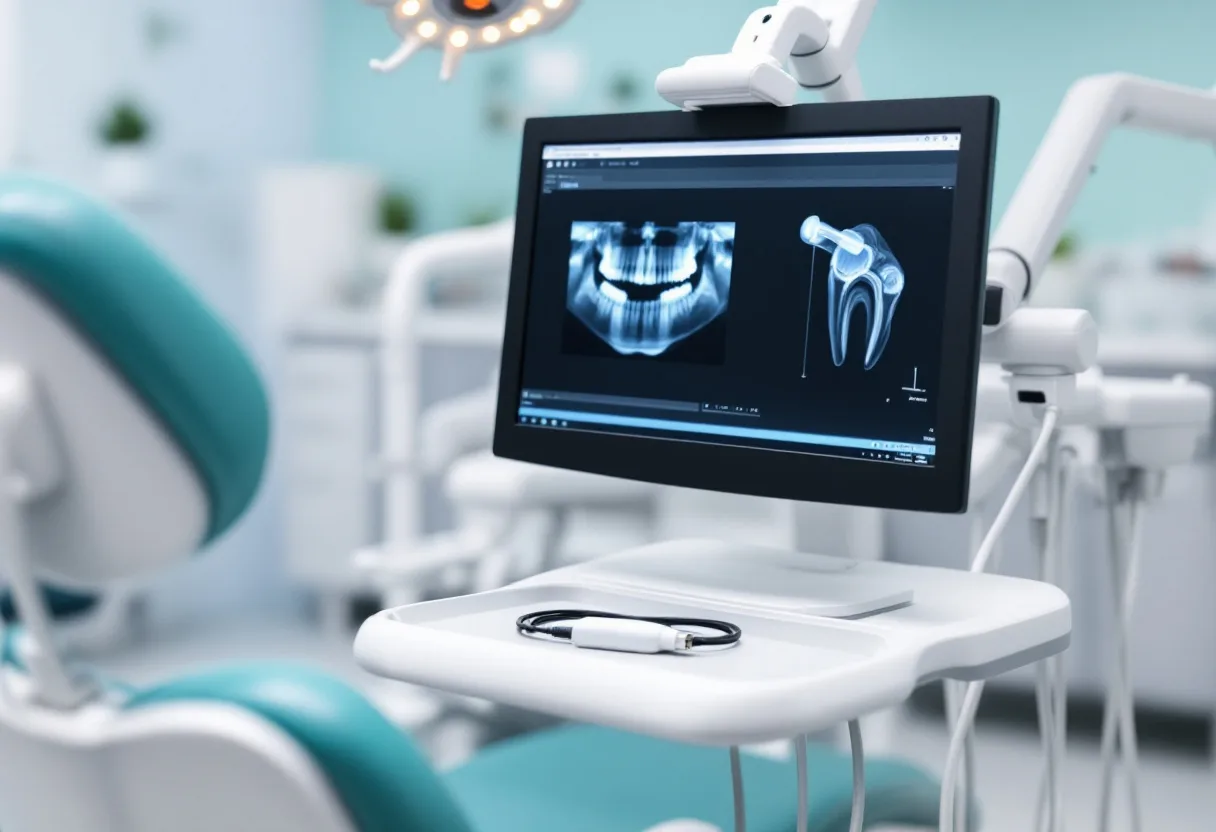
Where the Patient Data Actually Lives in a Dental Office
Here is the scope problem, and it is the reason dental practices fail this specific requirement more often than a comparably sized law firm or accounting office does. OCR defines the scope of the analysis as all electronic protected health information an organization creates, receives, maintains or transmits, regardless of the particular electronic medium involved or the source or location of that data. Regardless of location. That is the clause that catches dentistry.
A 4 operatory practice with 9 people on payroll routinely holds patient data in 10 or more distinct places. A law firm of the same headcount holds it in 2. Dentistry runs clinical hardware, and clinical hardware caches.
| Where the data sits | What is in it | Commonly left out of scope |
|---|---|---|
| Practice management database | Charts, ledgers, insurance, appointment history | No. This is the 1 system everybody scopes. |
| Imaging database | Radiographs, intraoral photos, treatment documentation | Often. It is a separate database reached by file path, and it gets treated as part of the PM system when it is not. |
| Operatory workstations | Sensor capture software, local image cache, saved credentials | Usually. Sensor drivers write locally before the image ever reaches the server. |
| Cone beam unit | CBCT volumes stored on the unit or its dedicated console | Almost always. The scanner is bought as equipment, not as a computer. |
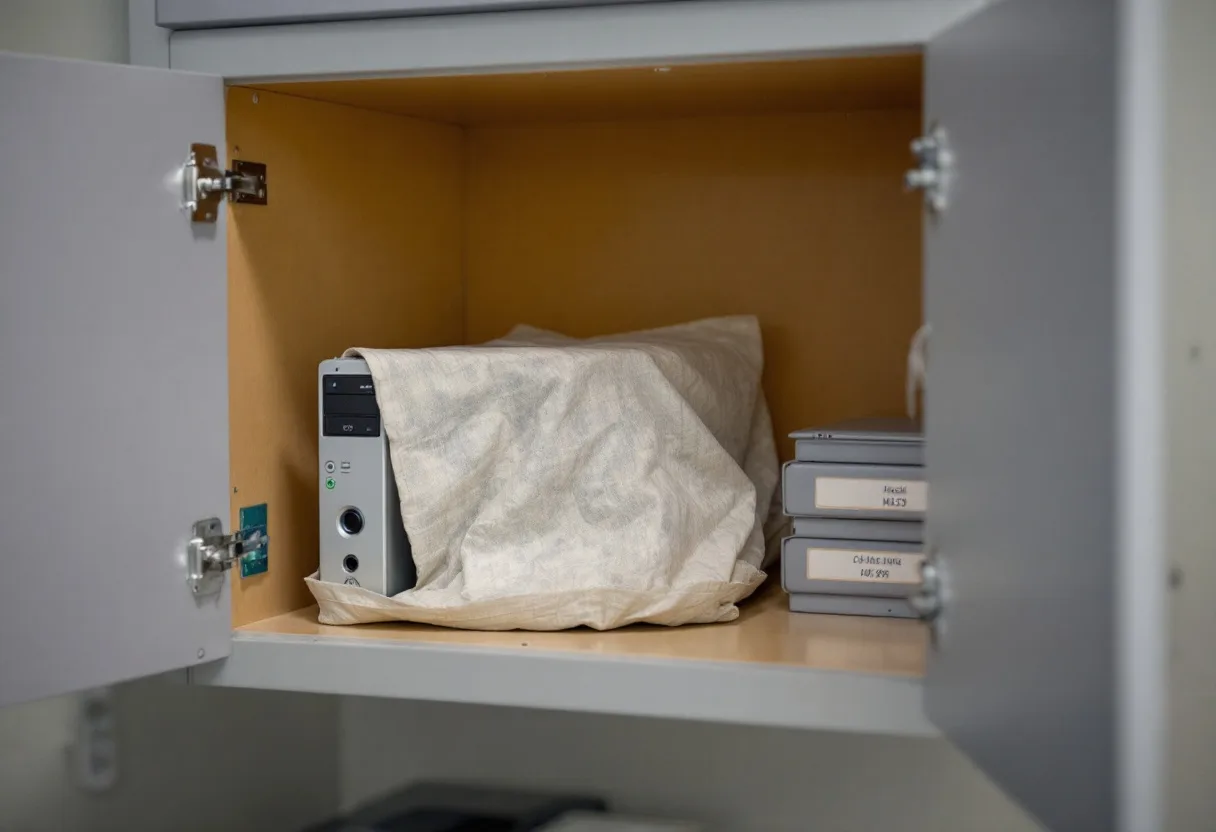
| Retired servers and old archives | Historical charts and imaging from a prior platform | Almost always. Nobody scopes a machine they stopped using. |
| Email and the front desk inbox | Referrals, insurance correspondence, patient attachments | Sometimes. Attachments accumulate for years in a shared mailbox. |
| Claims clearinghouse and portals | Submitted claims, attachments, eligibility responses | Often. It is a business associate relationship and needs an agreement plus a scope entry. |
| Appointment reminder and recall service | Names, numbers, appointment times, sometimes procedure codes | Often. It is quiet, cheap and holds real ePHI. |
| Lab case submission portals | Scans, prescriptions, patient identifiers | Usually. Intraoral scanner output leaves the building through here. |
| Backup media and cloud backup | A copy of nearly everything above | Sometimes. The backup inherits the sensitivity of its source and is frequently the least protected copy. |
Work down that list against your own office. If your last risk analysis named fewer than 6 of those rows, it was not accurate and thorough. It was a document about your server.
Texas retention rules keep old systems in scope
Texas adds a wrinkle that a generic HIPAA template will never catch. Under 22 TAC Section 108.8, the Texas State Board of Dental Examiners requires a dentist to keep patient records for at least 5 years from the date of last treatment. For a patient under 18 at that visit, the record has to survive until they turn 21, or 5 years, whichever is longer.
Run that against a real child rather than a policy document. A 3 year old seen this month creates a record you still answer for in 2044. That is 18 years, and inside that window the practice will replace the server 3 times and change practice management platforms at least once. Every one of those migrations leaves a copy behind. The old copy is still ePHI, it is still in scope for the analysis, and it is usually the copy with no patching, no monitoring and no encryption. We cover the hardware side of that problem in more depth in our writeup on Dentrix, Eaglesoft and Open Dental server requirements.
Nine Elements OCR Expects to Find in the Document
OCR guidance breaks a compliant analysis into 9 named elements. It does not mandate a format or a methodology, and it says so explicitly. It does say these elements must be incorporated regardless of the method employed, which is the sentence that turns them into a checklist you can actually audit yourself against.
- Scope of the analysis. All ePHI you create, receive, maintain or transmit, in every medium and at every location.
- Data collection. Identify and document where that data is stored, received, maintained and transmitted. Interviews and system reviews both count.
- Threats and vulnerabilities. Document reasonably anticipated threats, split across human, natural and environmental, plus the weaknesses each could exploit.
- Current security measures. Record what is already in place and whether it is configured and used properly.
- Likelihood of occurrence. Estimate the probability of each threat and vulnerability pairing.
- Potential impact. Assess how bad each one would be. Qualitative or quantitative, or a mix.
- Level of risk. Assign a risk level to every pairing and produce a list of corrective actions.
- Finalize documentation. Write it down. No specific format is required, but the document has to exist.
- Periodic review and update. Keep it current as the environment and operations change.
Element list summarized from the OCR Guidance on Risk Analysis, content last reviewed 12 August 2026.
Nowhere does the rule say annual
Nearly every compliance vendor selling to dentists says annual. Your malpractice carrier probably says annual. Federal regulation does not. OCR guidance states directly that the Security Rule does not specify how frequently to perform risk analysis, and that some covered entities may perform it annually or as needed, biannually or every 3 years, depending on the circumstances of their environment.
So annual is a defensible default rather than a legal one. What actually triggers a refresh is written into 164.308(a)(8), which requires a periodic technical and nontechnical evaluation in response to environmental or operational changes affecting the security of ePHI, and the rule carries that evaluation as a required implementation specification rather than as an addressable one you can reason your way around. In a dental office those changes are concrete and easy to name. A new cone beam unit. A move to a cloud practice management platform. An acquisition of a second location. A server replacement. A security incident, however small. Any of those, and the analysis you have is describing a practice that no longer exists.
And keep the old ones. 45 CFR 164.316(b)(2)(i) requires you to retain the documentation for 6 years from the date of its creation or the date when it last was in effect, whichever is later. Practices throw out the superseded version. Do not. A dated series of analyses is the single strongest evidence that the process was ongoing rather than assembled the week the investigator called.
What OCR Enforcement Against Dental Practices Actually Shows
Here is where I want to correct something the dental compliance industry keeps saying, because we would rather be accurate than alarming.
You will read that a missing risk analysis is the most commonly cited deficiency in OCR enforcement actions against dental practices. Check the source. Every dental enforcement action OCR has published on its resolution agreements page is a Privacy Rule matter, not a Security Rule one.
| Action | Date | Amount | What it was about |
|---|---|---|---|
| Gums Dental Care civil money penalty | 17 October 2024 | $70,000 | Failure to provide timely access to patient records |
| Settlement with a dental practice over disclosures of patient information | 14 December 2022 | Not stated in the listing | Impermissible disclosure |
| Three dental practice settlements, patient right of access | 20 September 2022 | Not stated in the listing | Right of access |
| Dental practice social media disclosure settlement | 2 October 2019 | $10,000 | Responding to online reviews with patient information |
Every row is drawn from the published OCR resolution agreements and civil money penalties list, reviewed 27 August 2026.
So no dental practice has been publicly penalized specifically for a missing risk analysis. That is the honest read. It is also a weaker piece of comfort than it looks, for 2 reasons.
First, the Security Rule penalties landing on small providers are much larger than the dental Privacy Rule ones. The same OCR list carries a $1.19 million penalty against Gulf Coast Pain Consultants for Security Rule violations in December 2024, a $240,000 penalty against Providence Medical Institute in a ransomware investigation in October 2024, and a $1.5 million penalty against Warby Parker in February 2025. None of those are large hospitals. A dental group of 3 locations is closer in size to those entities than it is to a health system, and OCR sets a resolution amount against the organization actually in front of it rather than against the category that organization belongs to.
Second, and this is the part that matters operationally, the risk analysis is not what gets you investigated. A breach does. The analysis is what determines how that investigation ends. OCR opens with a document request, the risk analysis sits near the top of it, and the practice that produces a dated, thorough one is in a categorically different conversation from the practice that produces a training log. We wrote up the broader compliance picture in our HIPAA IT compliance checklist for Texas medical practices, though the checklist is a starting prompt rather than a substitute for the analysis itself, which is the whole point of this article.
How the Proposed Security Rule Would Make Scope Explicit
On 6 January 2025, OCR published a notice of proposed rulemaking that would rewrite the Security Rule for the first time in over a decade. Three of the proposals speak directly to what dental practices get wrong today.
- A written technology asset inventory identifying every asset, its location, the person accountable for it, and its version.
- A network map illustrating how ePHI moves through your systems, including how it enters, exits and is accessed from outside.
- Both reviewed and updated at least once every 12 months, and the addressable versus required distinction largely eliminated so that implementation specifications become mandatory.
That timeline has slipped. HHS moved the amendments to its long term actions agenda with an anticipated final action date of July 2027, so nothing here is binding yet and anyone telling a dentist otherwise is selling something. What is already binding is the Texas layer on top, and we mapped how HIPAA, HB 300 and SB 2610 stack on one practice in our guide to dental practice IT security in Texas.
Wait for it anyway and you will have waited for nothing. An asset inventory and a network map are not new obligations dressed up. They are the practical prerequisites for doing the analysis you already owe today, because you cannot honestly document the scope of your ePHI without first knowing what hardware you own and where the data flows. The proposed rule is asking you to write down the work rather than adding work. Practices that build the inventory now are ready in 2027 and defensible in the meantime.
How to Run One in a Four Operatory Practice
You can do a legitimate first pass yourself. ONC and OCR publish a free desktop application built for exactly this size of practice, and version 3.6 arrived in September 2025 with a per section review and approval record aimed at audit evidence, plus a risk scale realigned to NIST scoring. A practice that hasn’t opened yet can draft it from the design and sign it in go-live week, as our dental startup IT checklist explains.
- Walk the building first, before you open any software. Every workstation, the server, the cone beam console, the scanner cart, the reception machine, anything with a screen. Write down make, model, operating system and who uses it. This is the step that gets skipped and it is the step that determines whether the analysis is accurate.
- List every place data leaves. Clearinghouse, lab portals, reminder service, cloud backup, imaging vendors, your IT provider. Each one needs a business associate agreement and a line in the scope.
- Find the archives. Ask your longest tenured team member what platform the practice used before this one and where those records went. Often the answer is a drive in a cabinet.
- Download the HHS Security Risk Assessment Tool. It is free, it runs on Windows or as an Excel workbook, and it walks the 9 elements in order.
- Work through it with the inventory beside you. The tool asks good questions. It cannot answer the ones about your building.
- Rate, decide and record. For every risk, write the likelihood, the impact, the level and what you are going to do. A risk you accept is a legitimate outcome as long as the reasoning is on the page.
- Date it, sign it, and put it somewhere you will find it in 6 years.
Where a self assessment usually breaks. The tool does not discover assets for you and it does not know what a sensor driver caches locally. Practices that run it alone tend to produce an honest document with a scope that covers maybe 40 percent of the real environment, which matters more than it sounds because scope and data collection are the first 2 elements OCR names and every element after them inherits the omission. That is not a criticism of the tool. It is what happens when the person filling it in has never been handed a network map of their own office.
That is the gap we get called into. Uprite has supported Texas businesses since 1999, we completed a SOC 2 Type 1 examination in 2023, and we sign a business associate agreement before anyone touches a practice system. Our published dental rate is $138 per user per month, and yes, published rather than quoted, because a practice comparing compliance work should be able to see the number before the sales call. We have done this at scale in dentistry, including a multi location dental surgery group with more than 40 users where the imaging access and HIPAA compliance work had to hold together across offices while they were opening more of them.
Questions Texas Dental Practices Ask About the Risk Analysis
How often does a dental practice have to redo the risk analysis?
The rule sets no interval. OCR guidance says the Security Rule does not specify how frequently to perform risk analysis, and that some entities do it annually, some biannually, some every 3 years.
What forces a refresh is change. A new cone beam unit, a move to cloud practice management, a second location, a server replacement, a security incident of any size. Annual is a sensible operating rhythm and it is what we recommend, but treat it as your policy rather than as the law. If you bought imaging equipment in March, your January analysis is already describing a different practice.
Does the free HHS tool count as a risk analysis on its own?
Yes, if you fill it in honestly and completely. That tool produces a documented analysis that walks the required elements in order, and OCR built it for practices your size.
The catch is scope. Nothing in the tool discovers the imaging server you forgot about or the archive drive in the cabinet. It asks what systems you have and records your answer. Incomplete input produces a document that looks compliant and is not, which is a worse position than having nothing, because now there is a dated artifact showing you looked and missed. Do the physical walkthrough first.
Our practice management software is cloud based. Are we still on the hook?
Completely. Moving the database to a vendor moves 1 system out of your building and changes nothing about your obligation.
You still hold ePHI on operatory workstations, in imaging, on the cone beam unit, in email, on backup media and in whatever the sensor software caches locally. You have also added a business associate relationship that itself belongs in the analysis. Cloud practice management is a genuinely good move for a lot of Texas offices and we recommend it often. It narrows the scope. It does not remove it.
What does OCR actually ask for after a dental breach?
A document request, and the risk analysis is near the top of it. Investigators want the dated analysis, your risk management plan, your policies, your training records and your business associate agreements.
The pattern in published Security Rule settlements is remarkably consistent. OCR finds that the entity failed to conduct an accurate and thorough risk analysis, and that finding shapes the corrective action plan and the resolution amount. A breach opens the file. What you can produce determines the size of the outcome.
Is a penetration test the same thing?
No. A penetration test is an attack simulation against your technical controls. A risk analysis is a documented assessment of risk across your whole environment, including the non technical parts.
The 2 answer different questions. A pen test tells you whether an attacker can get in through a specific path. A risk analysis tells you what data you hold, where it sits, what could go wrong, how likely that is and what you decided about it. Pen test findings are excellent input to element 3 and element 4 of the analysis. They are not a replacement for elements 1, 2 and 5 through 9.
We have 4 operatories and 9 staff. Is there a small practice exemption?
There is no exemption. A solo dentist carries the same risk analysis obligation as a hospital system, because the requirement attaches to being a covered entity rather than to headcount.
What does scale is the effort. OCR explicitly recognizes that methods vary with the size, complexity and capabilities of the organization, and it notes that small organizations tend to have fewer variables to consider. A 4 operatory practice can produce a genuinely thorough analysis in a few focused days. A hospital cannot. Small is an advantage here, as long as small is not read as exempt.
Get an Assessment
Send us your practice management platform, your operatory count, and the date on your last risk analysis if you can find one. We will tell you what is missing from the scope, what a defensible analysis would cover in your specific office, and what it costs to close the gap. Sometimes the answer is that your existing document is sound and needs 2 additions. We would rather say that than sell a compliance program nobody needed.
For the wider picture, our IT support for dental practices in Houston page covers what a dental engagement includes, the per operatory cost breakdown shows what dental IT runs from 3 chairs to 12, and our HIPAA compliant IT services in Houston page covers the compliance layer that sits on top of all of it. If you want the compliance spend broken out on its own, the HIPAA compliant IT cost guide for Texas has the per user rates.