Five IT risks stop Texas construction projects most often, late job site connectivity, orphaned worker accounts, wire fraud on pay applications, ransomware inside project systems, and field data that lives in exactly one place. None are expensive to close. All five are expensive to survive.
Job site IT failures rarely announce themselves as IT failures. They show up as a missed inspection, a sub who never got paid, a submittal log nobody can open on the day the owner asks. This post covers the 5 risks we see most on Texas job sites, a fast test for each one, and the order to work through them over a single 90-day window.
Nobody puts IT on the critical path. It gets there anyway. That gap, between how contractors think about IT services for construction companies and how the work actually fails, is what this post is about. A general contractor can have every crew staffed, every material release confirmed, and every permit in hand, and still lose 3 days because the city inspector couldn’t pull the approved set on a tablet that wouldn’t connect. Three days, gone, and nobody logged a ticket. That’s not a technology story to the owner. It’s a schedule story, and schedule stories end up in letters.
Texas makes the problem sharper than most states. Contractors here added more construction jobs than any other state between June 2025 and June 2026, and the Associated General Contractors of America counted 16,000 new construction jobs in the Houston metro alone. More jobs means more simultaneous sites, more temporary people, more logins, and more places for a small failure to become a stopped crew. More surface area, same size IT team.
What counts as a job site IT problem in Texas?
A job site IT problem is any technology failure that happens at a temporary work location and delays a task on the schedule. It’s different from an office IT problem because the site has no permanent circuit, no wiring closet, no badge system, and a roster that turns over every phase.
Here’s the short list, in the order they tend to bite.
- Connectivity ordered after the trailer lands instead of before
- Accounts and devices that outlive the people who used them
- A banking change on a pay application that came from your own domain
- Ransomware that locks the schedule, the model, and the submittal log
- Field data that exists on exactly one device
Notice what’s not on that list. Slow laptops. Printer trouble. Ticket-queue noise doesn’t stop a job. These 5 do, and they do it in ways a monthly ticket report will never surface.
| Risk | What it actually stops | How fast | What closing it takes |
|---|---|---|---|
| Late job site connectivity | Inspections, RFI turnaround, daily reports | Day 1 of mobilization | A circuit ordered with the trailer, 60 to 90 days out |
| Orphaned accounts | Nothing, until it stops everything | Silent for months | Offboarding tied to job completion, not payroll |
| Pay application wire fraud | The trade that didn’t get paid | The week the wire clears | A callback rule and a second approver |
| Ransomware in project systems | Schedule, model, submittals, all of it | Hours | MFA everywhere, tested restores, real detection |
| Single-copy field data | As-builts, punch, closeout | Found at closeout, too late to fix | A sync policy on every field device |

Risk 1. The trailer landed before the internet did
The most common job site IT failure in Texas is a site that mobilized before anyone ordered a circuit. Not a technical problem. A calendar one. Fiber to a raw pad routinely runs 60 to 120 days from order to turn-up, and no carrier accelerates that because your notice to proceed moved up.
So the site runs on a phone hotspot. It works. Mostly, for about 2 weeks. Then the drone survey uploads start failing, the inspector can’t open the current set, and the assistant superintendent begins driving photos to the office on a thumb drive every evening because the daily has to go out.
Here’s the part that costs money. Your daily report isn’t a courtesy document. It’s the contemporaneous record you’ll rely on if you ever have to prove why a delay wasn’t your fault. When the field loses a week of clean documentation, you haven’t lost a week of paperwork. You lost leverage. You have lost the evidence that supports your position on a delay claim, and on a public job that gap sits directly against the liquidated damages clause, which TxDOT builds from daily construction engineering cost plus road user cost. That’s a per-day number, and it doesn’t care why you were late.
The test takes 60 seconds. Pull up your next 3 mobilization dates. Now find the circuit order dates. If the circuit was ordered after the trailer was scheduled, or if there’s no order at all because someone plans to figure it out on site, you already have the problem. In vCIO reviews I run with contractors, that check fails more often than any other single item on the list. It’s not close.
The fix is boring. It works. Connectivity goes on the mobilization checklist next to temporary power and site access. Order the permanent path early, run business-grade cellular or fixed wireless as the bridge, and keep both after turn-up so the site has a second path when a backhoe finds the first one. And one will. The full picture of what a builder’s systems have to do is in the technology stack DFW general contractors actually need.
Risk 2. Accounts that outlive the people who used them
Construction turnover isn’t a problem to be solved. It’s the operating model. Crews arrive for a phase, subs bring their own people, and a superintendent who ran your last 3 jobs takes a job with a competitor in the same submarket. That’s normal, so plan for it.
Offboarding almost always runs off payroll, which is the problem. Payroll knows when someone stopped being an employee. Payroll doesn’t know that a project engineer finished her assignment on a job 8 months ago and still has access to that project’s document library, the shared estimating folder, and a Microsoft 365 mailbox that forwards to a personal address she set up in year one.
I care about this one more than most people expect me to. It’s invisible. There’s no ticket, no outage, no angry phone call, so it never gets prioritized against something that hurts today. Then it’s the door. Ransomware appeared in 48% of breaches in the 2026 Verizon Data Breach Investigations Report, and the accounts that let attackers in are usually the ones nobody was watching, because nobody remembered they existed.
Run this check today. Ask for a list of every account that hasn’t signed in for 90 days and match it against your last 4 completed jobs. Then ask a harder question. Does anything in that list still have access to a live project? If your answer is a guess, that’s your answer.

The fix is a sequence. Not a tool. Identity gets tied to project assignment rather than employment status, closeout includes a technology sign-out the same way it includes a key and badge return, and access to a completed job’s records ends when the job ends. We rebuilt exactly that structure when we moved a construction client off a file server and into SharePoint and Entra, and the reason we rearchitected permissions instead of copying the old folder tree is that a decade of inherited access is the problem, not the container it sits in. If those records now live in Procore or Autodesk Forma, our IT checklist for cloud project management in Houston covers exporting each job before it closes.
Risk 3. The banking change that came from your own domain
Construction pays by wire, in large amounts, on a predictable calendar, to counterparties who change frequently. That’s a fraud profile. Criminals worked it out a long time ago.
The scale isn’t small. Business email compromise cost victims $3.04 billion across 24,768 complaints in the FBI’s 2025 Internet Crime Report, and 86% of those losses moved by wire or ACH, which is why recovery so often fails. On the claims side, funds transfer fraud made up 27% of cyber claims with an average loss of $141,000 in Coalition’s 2026 Cyber Claims Report. For a specialty trade running thin margins, $141,000 isn’t an incident. It’s a year.
The version that hits contractors is specific, painfully so. A sub’s email gets compromised in month 4 of a 14-month job. The attacker reads the thread quietly, learns the pay application cycle, waits for the draw, and sends new banking instructions from the real address on the real thread with the real signature block. Accounting has no reason to doubt it. Nothing about that email is wrong.
So don’t try to catch it by reading carefully. That’s not a control. A control is a rule that doesn’t depend on anyone’s judgment on a busy Thursday. Any change to banking details triggers a phone call to a number already on file, never a number in the email, and a second person approves before funds move. Two people, one phone call. Write it down, apply it to every vendor, and stop making exceptions for the ones you’ve worked with for years. Those are the exact relationships an attacker studies.

Worth saying plainly. Bias disclosed. We sell security services, so read the next line with that in mind. A callback rule costs nothing and doesn’t require us. Put it in place this week whether or not you ever call an IT provider.
Risk 4. Ransomware locks the schedule, not just the files
Contractors underestimate this one because they think of ransomware as a data problem, and construction firms don’t feel like data companies. They are. Your schedule, model, submittal log, RFI history, and daily reports are the project. Lose access for 4 days and the job stops. Everyone shows up. Nothing moves.
Construction became a preferred target on purpose. Organizations in the sector appearing on data-leak sites rose 41% year over year in ReliaQuest’s construction threat landscape research covering October 2023 through September 2024, with the Play group launching more attacks on the sector than anyone except LockBit. Attackers know the sector runs thin IT, pays on deadlines, and can’t afford a stopped job. That combination prices ransom demands.
Texas adds a legal clock on top of the operational one. Under Texas Business and Commerce Code Section 521.053, you have to notify affected individuals no later than the 60th day after determining a breach occurred, and if it involves at least 250 Texas residents you must notify the attorney general within 30 days. Employee records count. A mid-size contractor with 400 people on the books crosses that threshold without a single client record being touched. The rest of the rules your contracts stack on top of that clock are sorted in our guide to IT compliance for Texas contractors.
Insurance is where this gets expensive twice. Carriers now underwrite on control evidence rather than intent, and multi-factor authentication that covers email but not the remote access tool your field staff uses is a documented denial pattern. Answer the application honestly, then go make the answer true. That order matters more than people think. Owners have started asking the same questions before award, as we lay out in our piece on how Houston owners screen contractors on cybersecurity.
Three things carry most of the weight here. Multi-factor authentication on every account including remote access and the ERP, endpoint detection that reaches the trailer and not just the office, and restore testing you’ve personally watched finish. The last one gets skipped. A backup you’ve never restored is a belief, not a control. Our approach to cybersecurity for Texas businesses starts there for a reason.
Risk 5. One tablet, one copy, one Texas storm
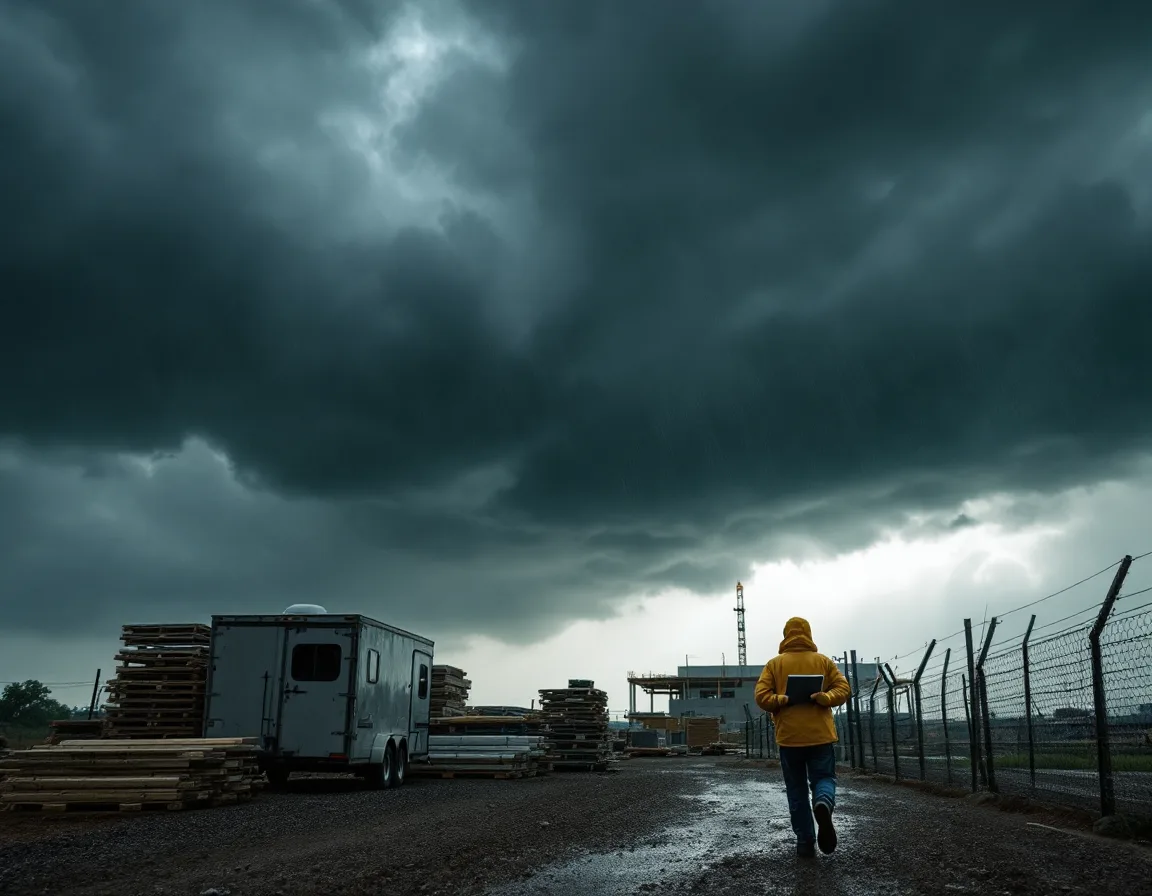
Texas recorded 21 billion-dollar weather disasters in 2025, its most active year on record out of 219 events since 1980, according to Climate Central’s Texas state summary. Hail on the Metroplex, hurricane season on the Gulf, derecho winds through Central Texas. It’s not theoretical. Sites here take weather that sites in most other states never have to plan around, and the ones that get hurt worst are always the ones still running everything through a single connection and a single copy of the file.
The exposure isn’t the tablet. Tablets are cheap. The exposure is the as-built markups, the punch list photos, and the pre-pour inspection documentation that live on that tablet and nowhere else, because the trailer’s connection was bad and the app cached locally and nobody checked whether it ever synced.
Rework is where this lands. Poor communication and bad project data are consistently identified as leading drivers of construction rework, and most published studies put rework between 4% and 10% of total project cost. On a $40 million job that’s $1.6 million to $4 million of real money. Whatever share of that traces back to information that got lost, rather than work that got built wrong, is bigger than most contractors want to look at.
Check one device. Pick a superintendent’s tablet at random, open your field app, and look at the last successful sync timestamp. Not the last time it was opened. The last time it pushed. If that timestamp is older than a day, you found it, and it’s almost certainly not the only one.
Site continuity planning is a normal part of disaster recovery planning in Texas for contractors, and it’s mostly unglamorous. Nobody gets promoted for it. Field apps sync on a schedule and alert when they can’t. Nothing critical lives only on a device that spends its life in a truck. Someone reviews the sync report weekly, which takes about 4 minutes.
Which one do you fix first?
Start with the controls that stop the largest loss for the least disruption, then work outward. No system changes, no mid-job cutover. Nothing here requires touching a live project, which is the objection contractors raise first and the reason most of these gaps stay open for years.
| Window | What you close | Who owns it | Evidence it produces |
|---|---|---|---|
| Week 1 to 2 | MFA on email, remote access, and the ERP | IT or your provider | A coverage report showing every user, not most users |
| Week 3 to 4 | Payment verification rule with a callback and second approver | Controller | A callback log on every banking change |
| Week 5 to 8 | Offboarding tied to job completion | Project management with HR | A technology sign-out per demobilized worker |
| Week 9 to 12 | Connectivity ordered with the next trailer | Preconstruction | A circuit order dated before the mobilization date |
| Ongoing | Field device sync monitoring and restore testing | Superintendent and IT | A restore you watched finish, on a date you can name |
The order is deliberate. MFA and payment verification go first because they block the two failures with the highest dollar loss, and neither one touches a live project. Offboarding and connectivity take longer because they change how two departments work, and process changes need a real sponsor. Sync monitoring never ends, which is why it sits outside the 90 days.
What this looks like when it’s handled correctly
Uprite Services is a Texas managed IT and cybersecurity provider that supports general contractors, specialty trades, and civil builders across Houston, Dallas, Fort Worth, San Antonio, and the metros in between. we completed a SOC 2 Type 1 examination in 2023, we’ve supported Texas businesses since 1999, and we back the work with a 120-day satisfaction guarantee. What makes construction different from the rest of our book is that the most important location on a construction project has a demolition date, so the technology has to be built to move, which is the entire design brief.
In practice that means the site gets designed like a branch office with an expiration date. Connectivity is ordered on the preconstruction calendar. Identity is scoped to the project. Detection covers the trailer router the same way it covers the office firewall. Closeout includes a technology checklist, so access ends when the job does. That’s the model behind our construction IT services in Houston, and the same one runs in Dallas and across the Metroplex.
Who doesn’t need this? If you run 1 job at a time, out of 1 office, with a crew that hasn’t changed in 5 years, most of what’s above is overhead you don’t have to carry yet. Close the payment verification rule and turn on MFA anyway. Skip the rest until you open the second site.
The short version
None of these 5 risks look like IT problems while they’re happening. They look like a missed inspection, an unpaid sub, a submittal log nobody can open, an as-built nobody can find. Nobody calls IT. That’s exactly why they persist. The failure gets attributed to the phase it landed in rather than the gap that caused it, so it never reaches anyone with the authority to close it.
Two of the five can be closed in the next 2 weeks by people you already employ. The other 3 need a plan and a budget line. If you want to know which of the 5 you’re carrying right now, ask for a job site assessment that looks at the field and not just the server room, or start with our approach to IT support for Texas businesses and work backward from what your projects require.
What contractors ask us after a bad week
Our sites run fine on hotspots. Why change anything?
They run fine until the first task that needs real bandwidth. Drone surveys, model coordination, and inspector access to current drawings are the usual breaking points. The hotspot didn’t get worse. The work got heavier.
How far ahead do we actually have to order a circuit?
60 to 120 days for fiber to a raw site, depending on the carrier and how much trenching is involved. Order early. Fixed wireless and business cellular land in days rather than months, which is why most Texas contractors run one as the bridge and keep it as the backup path after the permanent circuit turns up.
We have a guy who handles IT. Is that a problem?
Usually not, and I wouldn’t tell you to replace him. The gap is coverage. Not competence. One person can’t run a help desk, drive to 4 sites, monitor a security stack overnight, and still do the preconstruction planning that keeps connectivity off the critical path. Co-managed arrangements exist precisely because that person is worth keeping.
Does any of this apply if we’re a subcontractor rather than a GC?
All of it. The payment fraud risk is worse. Subs receive the wires, so a compromise in your accounting mailbox puts your receivables at risk directly rather than through a client. Owner and GC prequalification questionnaires are also reaching down to subs now, which means someone will eventually ask you to document controls you haven’t written down yet.
What does an owner security questionnaire actually want?
Evidence, not intentions. Expect questions on multi-factor authentication coverage, backup and restore testing, endpoint detection, incident response, and how you handle subcontractor data. Every one of those questions is answerable. What stops contractors is that nobody owns the answer, so the questionnaire sits on a project manager’s desk for 3 weeks while a bid clock runs.
We’re mid-job. Can we change providers without risking the schedule?
Mid-job is often better than between jobs, which surprises people. A transition during active work forces documentation of what actually runs the business, rather than what someone believes runs it. Between jobs, everyone is too relaxed to answer hard questions honestly. The sequence matters more than the timing. Identity and access get mapped first, nothing gets cut over during a draw week, the old mailboxes stay reachable through at least one full billing cycle, and the current provider keeps mail flowing until the new one has proven it can. If you are comparing options, our ranking of the top Houston construction IT providers is a reasonable place to start.
How do we know whether any of this is already a problem for us?
Run the 3 checks in this post. Under an hour, total. Circuit order dates against mobilization dates, accounts dormant 90 days against completed jobs, and the last successful sync on one field tablet. Those 3 answers tell you more about your real exposure than a full network scan will.