
Last updated: June 15, 2026
The top IT mistakes SMBs make in 2026 are skipping a cybersecurity plan, ignoring software updates, weak passwords, no regular backups, DIY IT management, no compliance knowledge, and no business continuity plan. Each one exposes your business to cyberattacks, downtime, fines, or lost data, and every one is preventable with the right habits and an experienced IT partner.
Small and medium-sized businesses depend heavily on technology, but many are not fully prepared for the risks that come with it. With limited resources and no dedicated IT team, it’s easy to overlook the basics that protect your data and keep your systems running, which is exactly why many SMBs lean on managed IT services instead of going it alone. In 2026, ignoring IT problems is not an option. Cyberattacks, system failures, and compliance issues can do serious damage, even to a small business. This guide breaks down the 7 most common IT mistakes small businesses make, why they matter, and how to avoid them before they turn into expensive emergencies.
The quick version. Most SMB IT failures trace back to 7 avoidable mistakes, no cybersecurity plan, skipped updates, weak passwords, missing backups, DIY IT, no compliance knowledge, and no continuity plan. Each one raises your risk of a breach, downtime, or fines. The fix is the same for all 7, build simple habits now and lean on an experienced IT partner before a small gap turns into a costly outage.
| The mistake | The risk it creates | The fix |
|---|---|---|
| No cybersecurity plan | Ransomware, phishing, data theft | Train staff, add security tools, turn on MFA |
| Ignoring software updates | Known exploits and breaches | Enable auto-updates and patch management |
| Weak passwords | Account takeover across systems | Use a password manager and MFA |
| No regular backups | Permanent data loss | Follow the 3-2-1 backup rule |
| DIY IT management | Missed gaps and slow recovery | Work with an IT provider |
| No compliance knowledge | Fines and legal trouble | Map the rules and document processes |
| No continuity plan | Days of downtime after a disruption | Build and test a recovery plan |
Mistake #1: No Cybersecurity Plan in Place
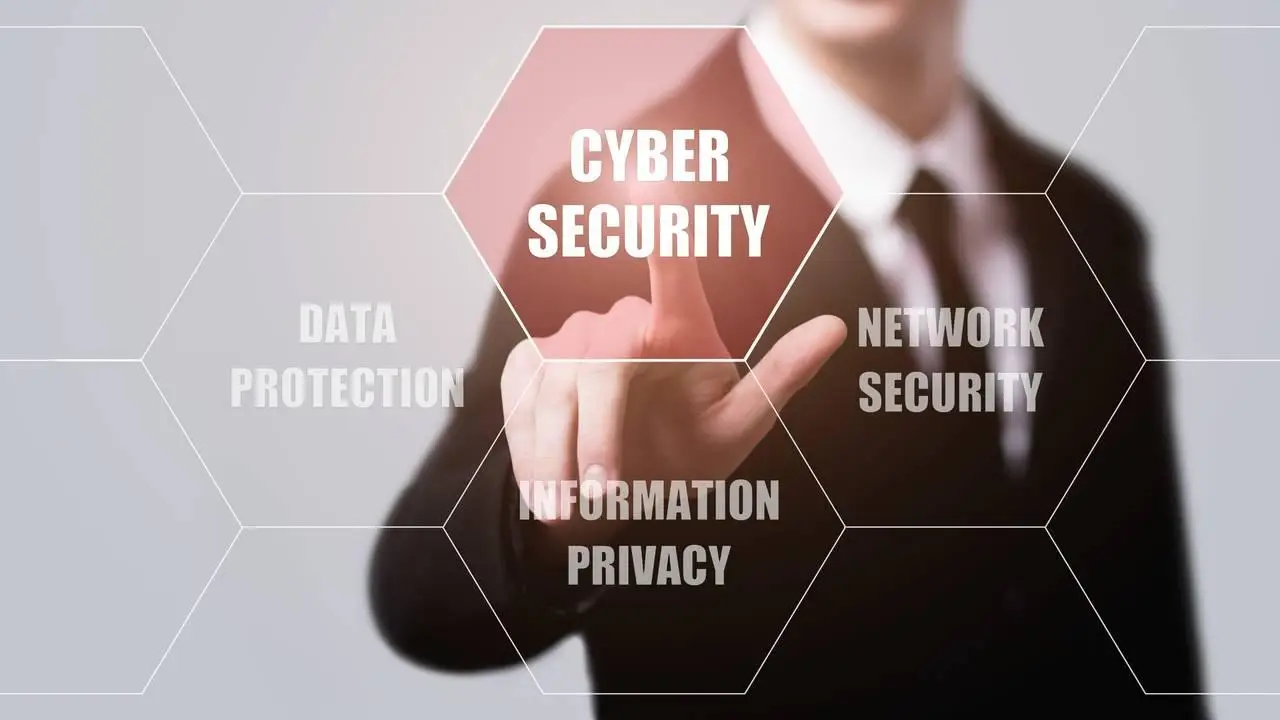
A cybersecurity plan is a documented set of rules, tools, and responsibilities that spells out how your business prevents, detects, and responds to digital threats. It covers who does what, which protections are in place, and how your team reacts when something goes wrong, long before an attacker tests you.
One of the biggest IT mistakes small businesses make is assuming cybercriminals only go after big companies. That’s a dangerous myth. According to Verizon’s 2025 Data Breach Investigations Report, roughly 43% of cyberattacks target small businesses, and about 60% of those that suffer an attack close within six months. Without a small business cybersecurity plan, your data, customer information, and operations are wide open to ransomware, phishing scams, and data theft.
What could happen?
- Lost customer trust
- Expensive downtime
- Legal consequences, especially if sensitive data is leaked
What to do instead
- Train your employees. Most cyberattacks begin with a simple email that tricks someone into clicking a bad link. Teach your team to recognize them.
- Install security tools. Firewalls, antivirus software, and email filtering can stop threats before they reach your team.
- Turn on MFA. Multi-factor authentication protects your accounts even if a password gets stolen, which is why CISA recommends it as a baseline for every business.
- Set clear rules. Make sure everyone knows how to handle sensitive info and follow safe online habits.
If you don’t have a plan yet, our managed cybersecurity services are built to give SMBs enterprise-grade protection without an enterprise budget.
Mistake #2: Ignoring Software Updates
Software developers release updates to fix bugs and patch security holes. If you don’t apply them, your systems become easy targets. Some of the worst breaches in recent years happened because someone forgot or ignored a basic update.

A real example
The 2017 Equifax breach exposed the data of roughly 147 million people, and it traced back to a known software flaw that had a patch available months earlier. A single missed update let attackers walk in. The same risk applies to your accounting software, your operating systems, and every app your team relies on.
What to do instead
- Enable auto-updates. Set your systems to install updates automatically whenever possible.
- Schedule regular checks. Make time each week or month to confirm everything is up to date.
- Use patch management software. These tools track and apply updates across all your systems without relying on memory.
Mistake #3: Weak Password Practices
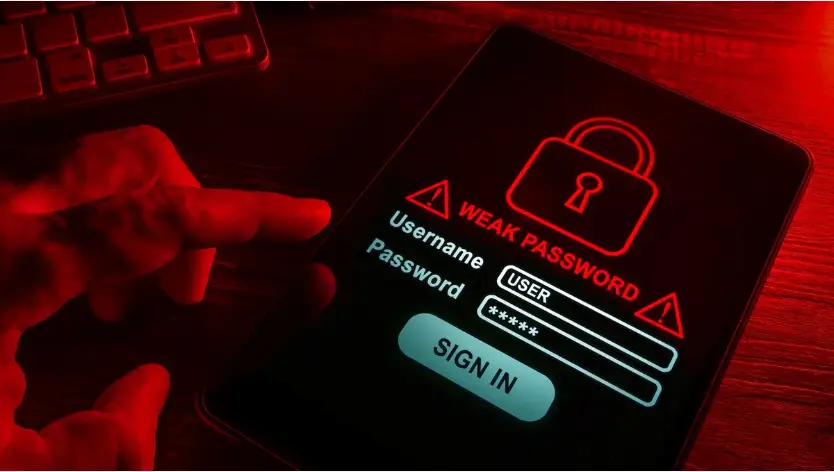
A single weak password can put your entire business at risk. Many employees reuse simple passwords across accounts, which makes it easy for attackers to break in. Shared passwords between team members also create confusion and make access hard to track. Without clear password rules, a single weak login can lead to a serious data breach, so strong passwords and tools like password managers are essential.
How it causes problems
- Attackers can guess weak passwords using automated software.
- If one account is hacked, reused passwords make it easy to break into others.
- Shared passwords make it hard to track who did what and when.
What to do instead
- Create strong passwords. Use at least 12 characters, including letters, numbers, and symbols.
- Use a password manager. These tools remember passwords for you, so you only need to recall one master password.
- Turn on MFA. A second step like a text message or app code helps secure your accounts.
Mistake #4: Not Backing Up Data Regularly
Ransomware attacks and system crashes can erase important business data in seconds. If backups aren’t done regularly, recovering that data can be difficult or very costly. Some companies have lost years of work because their backup systems failed or were never set up properly. Manual or outdated backup methods often lead to incomplete or missing files.

The risk
- Permanent loss of customer data
- Business shutdown during recovery
- Paying attackers to get your data back, which doesn’t always work
What to do instead
- Back up daily. Set up automatic backups to the cloud and to local devices.
- Use the 3-2-1 rule. Keep three copies of your data, stored in two different places, with one offsite or in the cloud. CISA recommends this exact approach for small businesses.
- Test your backups. Regularly confirm your backups work and can be restored quickly if needed.
Mistake #5: DIY IT Management
Managing IT on your own, or handing it to an employee who is “good with computers,” might seem like a cost saver, but it usually creates bigger issues later. IT systems are complex, and even small missteps can lead to major problems like data loss, security breaches, or extended downtime. Without proper expertise, issues often go unnoticed until they cause real damage.

Common issues with DIY IT
- Missed updates or security gaps
- Slow systems from a poor setup
- Long recovery times after outages
- Staff burnout when one person has to do too much
What to do instead
- Work with IT professionals. They have the tools and knowledge to handle issues before they become big problems.
- Save time and money. Fixing IT problems after they happen is often more expensive than preventing them.
- Focus on your business. Letting experts manage your IT frees you to spend more time doing what you do best.
This is the gap a managed IT services provider is built to close, giving you a full team for less than the cost of one in-house hire.
Mistake #6: No IT Compliance Knowledge
If your business handles sensitive data such as health records, financial information, or personal customer details, you may be required by law to follow specific security standards. Failing to understand or comply with these regulations can result in severe penalties, including hefty fines and legal trouble. Simply not knowing the rules won’t protect you.

Examples of compliance laws
- HIPAA for healthcare
- PCI-DSS for credit card payments
- GDPR or CCPA for customer data privacy
What to do instead
- Understand the rules. Learn which laws apply to your business and what they require.
- Document your processes. Keep records showing how you protect data and who is responsible.
- Get professional help. Compliance can be confusing. A compliance and regulatory assessment helps SMBs understand, prepare for, and stay compliant with industry-specific regulations.
Mistake #7: No Business Continuity Plan
If a cyberattack, fire, flood, or system failure disrupts your operations, how fast can you recover? Without a business continuity plan, even a brief interruption can lead to significant revenue loss, missed deadlines, and unhappy customers. A clear disaster recovery plan lets you respond quickly, minimize downtime, and keep customer trust during unexpected events.

What happens without a plan
- Days or weeks of downtime
- Lost customer trust
- Missed opportunities
What to do instead
- Create a recovery plan. Know how you’ll keep running if your main systems go down.
- Set backup communication plans. Make sure your team knows how to reach each other in an emergency.
- Test your plan. Practice drills help confirm your plan actually works.
Common Questions About SMB IT Mistakes
What is the most common IT mistake small businesses make?
The most common mistake is operating without a cybersecurity plan. Roughly 43% of cyberattacks target small businesses, yet many SMBs assume they are too small to be a target, which leaves their data and operations exposed.
How much can one IT mistake cost a small business?
Costs add up fast. A single breach or extended outage can mean lost revenue, recovery fees, regulatory fines, and damaged trust. In many cases that total is far higher than the price of preventing the problem in the first place.
Can a small business manage IT without a provider?
It is possible, but risky. DIY IT often leads to missed updates, security gaps, and slow recovery when something breaks. A managed provider brings the tools and expertise to catch issues before they cause damage.
How often should an SMB back up its data?
Back up daily at minimum. Follow the 3-2-1 rule by keeping three copies of your data in two locations, with one offsite or in the cloud, and test restores regularly so the backups actually work when you need them.
Which compliance rules apply to small businesses?
It depends on your data. Healthcare records fall under HIPAA, card payments under PCI-DSS, and customer privacy under GDPR or CCPA. Not knowing the rules does not protect you from penalties.
What is a business continuity plan, and does my business need one?
A business continuity plan is a documented roadmap for keeping operations running during a disruption. Any business that would lose revenue or customers from downtime needs one, which in practice means nearly every SMB.
Conclusion
Technology helps small businesses grow, but only when it’s managed well. The most common IT mistakes start small and grow into big problems. Whether it’s skipping updates, ignoring backups, or having no recovery plan, each one puts your business at risk. In 2026, IT planning isn’t optional. It’s part of running a smart, secure, and successful business.
Stop IT mistakes before they cost you. Uprite gives Texas SMBs a clear, secure IT strategy backed by a real team. Get a free IT assessment and find out exactly where your biggest risks are.