Ransomware protection for Houston businesses in 2026 is no longer antivirus plus a backup drive. Uprite provides cybersecurity services for businesses across Texas. It’s layered. You harden identity, watch endpoint behavior, filter email, segment the network, keep backups attackers can’t reach, monitor around the clock, and rehearse a response plan that already accounts for the Texas 60-day breach clock. This playbook walks through each layer and what breaks without it.
Ransomware protection for Houston businesses in 2026 means layered defense, not antivirus alone. Effective Houston cybersecurity combines MFA, endpoint detection, email filtering, segmentation, immutable backups, and 24/7 monitoring with a tested response plan. No single tool stops modern ransomware.
I’ve been thinking about how ransomware actually shows up for a Houston business. It’s rarely the movie version. No countdown clock, no hooded figure. Just a Tuesday morning where the file server won’t open, the front desk phones start ringing, and someone walks into your office holding a laptop that says your files are encrypted. That’s the moment most owners realize their cybersecurity was built for a threat from three years ago.
Here’s the part that should change how you think about it. According to Verizon’s 2025 Data Breach Investigations Report, ransomware showed up in 44% of all breaches but in 88% of breaches at small and midsize businesses. Not the Fortune 500. The shops with 15 to 200 employees. The ones that assumed they were too small to bother with.
This is the version of the conversation I’d rather have before an attack than after one.
What does ransomware protection actually mean in 2026?
Ransomware protection is the set of controls that keep an attacker out, catch them if they get in, and let you recover without paying. It’s a system, not a product. If the worst has already happened, our ransomware recovery guide for Texas businesses covers the first 72 hours step by step. Anyone selling you one box that “stops ransomware” is selling you confidence, not protection.
The reason it has to be a system comes down to how attacks changed. Encryption used to be the whole game. Lock the files, demand a payment, hand over a key. Backups beat that. So attackers adapted.
Now they steal the data first, then encrypt. That same shift drives the San Antonio version of this target profile, which rests on a very different industry mix. Double extortion. Industry data puts it in roughly 87% of ransomware incidents. Read that again, because it quietly breaks the most common assumption I hear from owners. Good backups solve the encryption. They do nothing about the copy of your client data sitting on a criminal’s server. You can restore every file by Friday and still get a note that says pay us or your customers see their records on a leak site.
So the honest definition of ransomware protection in 2026 has two halves. Keep them from getting in. And make sure that when they do, there’s nothing worth stealing and nothing they can hold over you.
Why are Houston businesses such ripe targets?

Houston runs on exactly the industries attackers prioritize. Energy along the corridor. The Texas Medical Center. Port logistics. Engineering and construction firms moving real money on tight timelines. These are operations that can’t afford downtime and hold data worth stealing, which is a polite way of saying they tend to pay. Energy gets the loudest headlines of the bunch, and our breakdown of why ransomware crews target Houston energy companies checks whether it deserves them.
The geography backs this up. Texas ranked second in the nation for both cybercrime complaints and losses in the FBI’s most recent Internet Crime Report, behind only California. Ransomware was named the most pervasive threat to critical infrastructure for the year. A lot of that infrastructure has a Houston zip code.
There’s a quieter reason too. Mid-size firms here have grown faster than their IT. New hires onboarded in a hurry with weak password habits. A second office connected without proper separation from the first. A vendor given remote access that nobody ever revoked. Growth is good. Growth without security maturity is a soft target. Attackers know the difference.
What does a ransomware attack actually cost a Houston business?

The ransom is the smallest line on the invoice. That’s the thing most owners get backwards. The damage is downtime, recovery labor, lost clients, and the legal bill that follows. IBM’s 2025 Cost of a Data Breach Report put the average US breach at a record $10.22 million, and the average ransomware or extortion incident at $5.08 million. For a Houston SMB those are not your numbers. But the shape of the cost is.
| Cost area | What to expect | Source |
|---|---|---|
| Ransom, if paid | Median payment around $115K, trending down as more firms refuse | Verizon 2025 DBIR |
| Downtime | The expensive part. Operations stall while systems are rebuilt | IBM 2025 |
| Recovery time | 76% of breached organizations took more than 100 days to fully recover | IBM 2025 |
| Legal and notification | Texas civil penalties up to $50,000 per violation, plus counsel and credit monitoring | Texas AG |
Sit with the recovery number for a second. More than three months to get fully back on your feet. Most owners I talk to are budgeting for a bad weekend. The real exposure is a bad quarter. Picking who carries that risk with you matters just as much, which is why we ranked the best cybersecurity companies in Houston on published criteria.
The 7-layer ransomware protection playbook

Here’s the part you came for. These layers are ordered the way an attack actually unfolds, from the front door to the recovery. Skip one and you’ve left a gap that the others can’t fully cover.
1. Lock down identity and turn on MFA everywhere
Most attacks don’t start with malware anymore. They start with a stolen password. The CISA #StopRansomware guide opens with multifactor authentication for a reason. The Akira group, active against critical infrastructure right now, has been getting in through VPNs that had no MFA configured. One missing setting. That’s the whole story for a lot of victims.
2. Replace antivirus with endpoint detection and response
Traditional antivirus checks files against a list of known threats. New ransomware variants appear faster than any list updates, and the FBI logged dozens of brand-new ones last year alone. EDR watches behavior instead. When a process starts encrypting files at an unusual rate or tries to disable your backups, it gets stopped, even if nobody has ever seen that variant before. This is the single biggest upgrade most Houston small businesses still haven’t made.
3. Filter the email, then filter the DNS
Email is still how most of this gets delivered. Filtering at the gateway removes the bulk of malicious messages before anyone can click. Pair it with Microsoft 365 email security and DNS-layer blocking so that even a file that slips through can’t phone home to its command server. Two cheap controls. Big reduction in what reaches an inbox.
4. Segment the network so one click isn’t game over
Flat networks are why a single compromised laptop becomes a company-wide event. When everything can talk to everything, ransomware spreads in minutes. Segmentation puts walls between departments and systems so a breach in accounting can’t reach the servers running production. If you want the fundamentals, start with network segmentation basics. Contain the blast radius before the blast happens.
5. Keep backups attackers can’t touch
The old 3-2-1 rule grew up. The current standard is 3-2-1-1-0. Three copies, two media types, one offsite, one that’s immutable or air-gapped, and zero errors proven by testing. The immutable copy matters because the first thing modern ransomware does is hunt for your backups and delete them. A backup an attacker can reach isn’t a backup. It’s a target. Build it into a real backup and disaster recovery plan and test the restore, because an untested backup is a guess.
6. Watch the environment 24/7
Attackers don’t keep business hours. The median time from break-in to encryption dropped from 9 days a few years ago to about 5 days now. Some move in hours. A one-person IT team can’t watch the network overnight, manage backups, train staff, and run the help desk at the same time. A 24/7 security operations center exists to catch the intrusion during that quiet window, before the encryption ever fires.
7. Train the people, because they’re the actual perimeter
Roughly 9 in 10 attacks rely on a person doing something an attacker wants. Quarterly phishing simulations and short, real training turn your staff from the weakest link into the first line of detection. It’s the least expensive layer on this list and one of the most effective. Skip it and the other six are protecting a door you left propped open.
Should you pay the ransom?
Most security professionals and the FBI say no, and the math has gotten stronger every year. Payment doesn’t guarantee you get a working decryption key. It marks you as a business that pays, which tends to bring them back.
The double-extortion problem makes it worse. Even if you pay and decrypt, the data they already stole doesn’t disappear. There’s no reliable way to confirm they deleted it. You’re trusting a criminal to keep a promise. CISA recommends reporting to the FBI and CISA before you make any payment decision at all, partly because the FBI has handed out thousands of decryption keys and avoided over $800 million in payments by doing exactly that.
I’ll be direct about the bias here. We benefit when a client can recover without paying, because that’s the whole point of the backup and detection work we do upfront. But the data backs the position. Build the protection so the question never lands on your desk.
The first hour of a Houston ransomware attack

What you do in the first 60 minutes shapes the next 60 days. Panic and you make it worse. Here’s the order that actually helps.
- Isolate, don’t power off. Disconnect affected machines from the network so it can’t spread, but keep them on so forensic evidence survives.
- Call your incident response team or MSP before you touch anything else. The clock on good decisions is short.
- Loop in legal counsel and your cyber insurance carrier early. Many policies have requirements that kick in within hours, and missing them can void coverage.
- Preserve, document, and report. Note timestamps, screenshot the ransom message, and report to the FBI’s IC3.
- Start counting. The moment you determine a breach occurred, the Texas notification clock starts. More on that next.
What Texas law requires after a breach

This is the layer almost every ransomware article skips, and it’s the one that turns a bad week into a lawsuit. Texas has real rules with real deadlines.
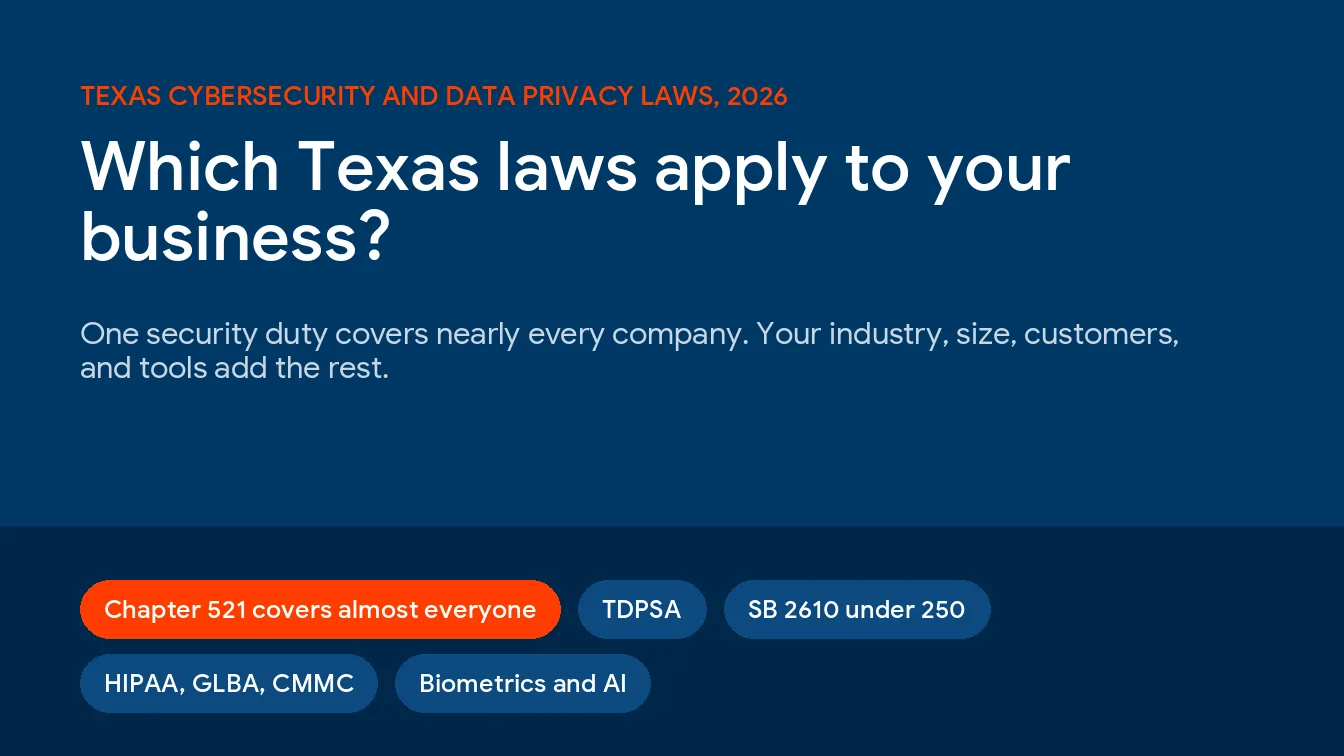
Under the Texas Identity Theft Enforcement and Protection Act, you have to notify affected individuals no later than 60 days after you determine a breach happened. If 250 or more Texas residents are affected, you also have to notify the Texas Attorney General within 30 days. Miss it and the penalties run up to $50,000 per violation, plus $100 a day for each pending notification.
There’s a newer wrinkle worth knowing. Texas Senate Bill 2610, effective September 2025, created a safe harbor. A business under 250 employees that had a documented cybersecurity program built on a recognized framework like NIST when the breach happened is shielded from punitive damages in the lawsuit that follows. The notification law tells you what to do after. SB 2610 rewards what you did before.
For healthcare and accounting firms it gets stricter. HIPAA and the GLBA Safeguards Rule add their own clocks and controls on top of the state law. If you run a practice, this is why HIPAA-aligned IT for healthcare isn’t optional paperwork. It’s the difference between a contained incident and a regulatory one.
Who should outsource ransomware protection, and who shouldn’t
Let me save you a sales call. If you’re a two-person shop running everything in one cloud app, with no employees, no client data worth stealing, and no compliance obligations, you probably don’t need a managed provider. Turn on MFA, use a reputable backup, and get on with your day.
Outsourcing earns its cost when you have employees clicking links, client or patient data under your roof, compliance exposure, and operations that can’t survive days of downtime. That’s most Houston businesses with 15 or more people. At that size, the part-time approach stops being thrifty and starts being the gap an attacker walks through.
Uprite is a Houston-based managed IT and cybersecurity provider that helps Texas businesses align technology to how they actually operate. We work with owners across healthcare, finance, manufacturing, and professional services who can’t absorb a quarter of recovery. What makes us different is where we start. Not with a product. With a Business Technology Assessment that shows you exactly where you stand before anything gets sold.
Conclusion
Three things to take with you. Ransomware protection is layered, and antivirus plus a backup drive isn’t a plan in 2026. Backups solve encryption, not extortion, so identity, detection, and segmentation matter as much as recovery. And in Texas, the legal clock starts the day you find out, so the readiness you build now is what protects you when the note arrives.
The businesses that come through these clean aren’t the ones with the biggest budgets. They’re the ones who treated this as a business decision instead of an IT chore. If you want to see where your gaps actually are, the honest first step is to get a Business Technology Assessment from a Houston team that knows the local threat landscape. Get an Assessment and find out what an attacker would find first.
What Houston Owners Ask Us About Ransomware
Realistically, how fast can we be back up after an attack?
Depends entirely on your backups. Sophos data shows about 97% of organizations recover their data eventually, and around 16% are fully back within a day, but the IBM report found 76% take more than 100 days to fully recover. The firms that bounce back fast are the ones who tested their restore before they needed it.
Isn’t our antivirus enough?
No, and it hasn’t been for years. Antivirus matches files against known threats, and new ransomware variants appear faster than any list can keep up. Endpoint detection and response watches behavior instead, which is what catches the variant nobody has seen yet.
Does cyber insurance require us to have certain controls?
Increasingly, yes. Most carriers now expect MFA, EDR, tested backups, and security awareness training before they’ll write or pay a policy. Some claims get denied because a required control wasn’t in place. Read your policy’s security requirements the same way you’d read a contract, because that’s what it is.
If we have solid backups, are we safe?
Safer, not safe. Backups protect you from the encryption half of a ransomware attack. They do nothing about the data already stolen, which is now part of roughly 87% of incidents. You need to prevent the theft, not just survive the lockout.
How much should a Houston small business budget for this?
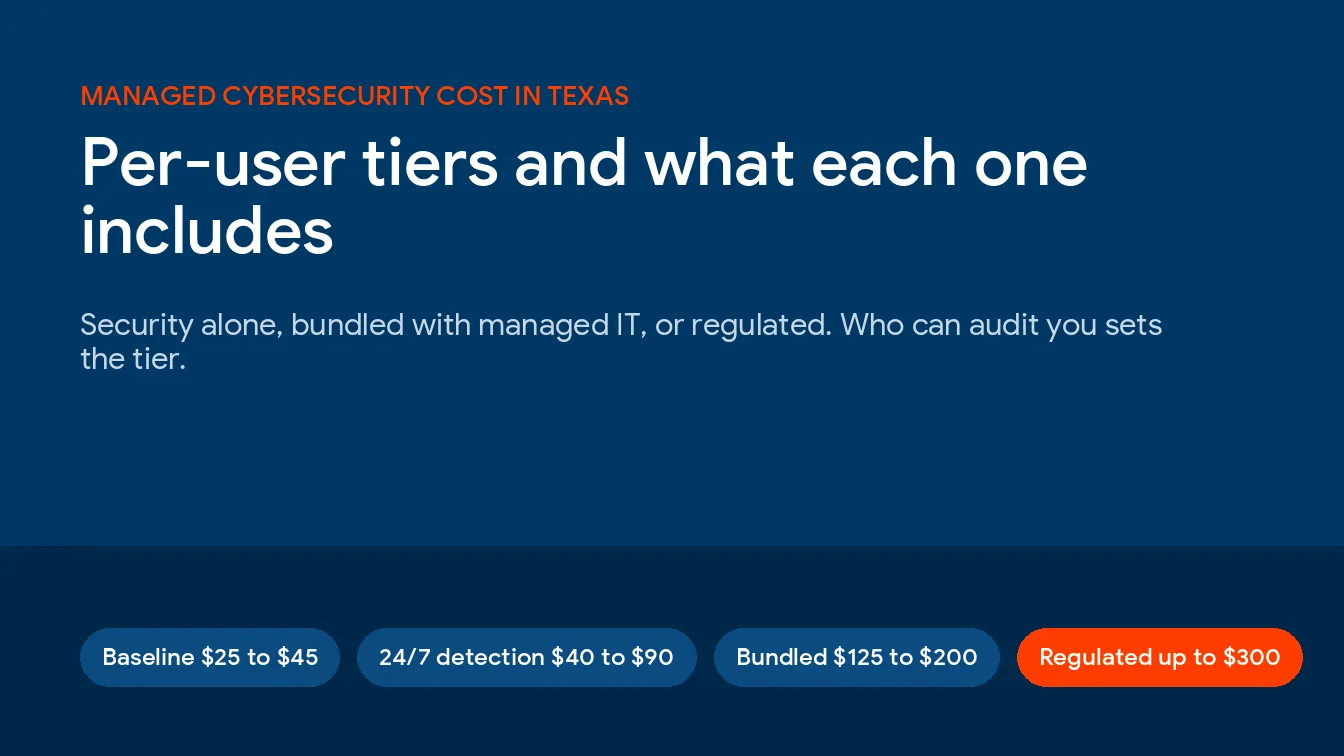
Less than most owners fear and far less than an attack. Layered protection for a 25-person company generally runs a few hundred dollars per month for backup and disaster recovery, single-digit dollars per device per month for EDR, and modest per-user costs for email security and training. Compare that to a recovery measured in months.
Do we actually have to report it to the FBI?
You’re not legally required to report to the FBI, but you should, through the IC3 portal, and ideally before any payment decision. Texas law separately requires notifying affected individuals within 60 days and the Attorney General within 30 days when 250 or more residents are involved. Those state deadlines are not optional.