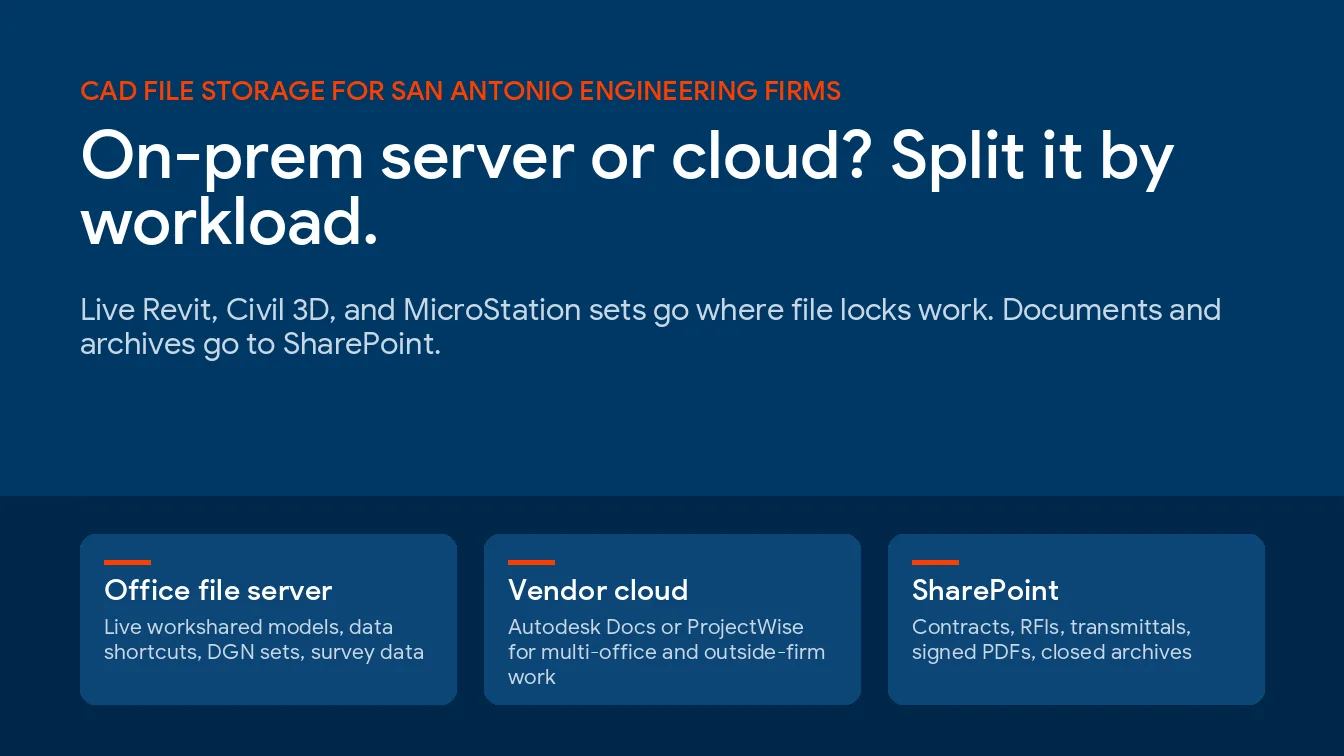
Colocation means you still own the servers and rent space, power and bandwidth inside someone else’s data center. Cloud hosting means you rent the computing itself and own no hardware at all. Most Houston energy companies end up running both, split by workload rather than picking a side.
This guide is for the operations lead or IT manager at a Houston energy company who has been told to get the servers out of the building. It covers what each option really costs you in flexibility, what the Gulf Coast does to the decision, and how to sort your own workloads before anyone quotes you a price. For the wider view of what hosting options exist, start with our overview of cloud services and hosting.
What colocation and cloud hosting actually mean
Colocation is a rental agreement for physical space. You buy the servers. You own them. A data center supplies the rack, the power, the cooling and the network connection. Cloud hosting is a rental agreement for capacity instead, where the provider owns every piece of hardware in the building and you pay for what you consume.
NIST settled this vocabulary years ago and it has held up. Its definition of cloud computing in SP 800-145 names 3 service models, IaaS, PaaS and SaaS, alongside 4 deployment models, public, private, community and hybrid. Colocation isn’t on it. It never was. Colocation is commercial real estate with very good air conditioning and a generator out back. Useful, but not cloud.
That distinction matters more than it sounds. In colocation, a failed drive is your problem and your spare part. In the cloud, it’s somebody else’s problem and you may never hear that it happened. There’s a third question sitting underneath both, which is who runs the environment day to day, and we pulled that apart separately in cloud hosting vs managed cloud services.

Why Houston changes the math
Almost every colocation-versus-cloud comparison online was written for a company that doesn’t lose power.
Houston loses power. More than 2.6 million Texas customers went dark when Hurricane Beryl came ashore on July 8, 2024, and hundreds of thousands still had nothing a week later, according to the Texas Tribune’s coverage of the Public Utility Commission investigation. The commission came back with more than a dozen recommendations, and one of the more uncomfortable findings was that CenterPoint’s own outage tracker had failed before the storm arrived.
That’s the number that should drive a hosting decision on the Gulf Coast. Not the monthly invoice.
The cost side agrees. Uptime Institute’s 2026 annual outage analysis reported that 57% of respondents said their most recent major outage cost more than $100,000, and 1 in 5 put the bill above $1 million for the second year running. Power stayed the leading cause. Most of it traced back to failures in UPS systems, transfer switches and generators.
Energy isn’t an ordinary industry here either. CISA treats the sector as an enabling function for every other critical sector, on the grounds that virtually all industries depend on electric power and fuels, which is why a hosting decision at an energy company draws scrutiny that the same decision at an accounting firm would never attract. An outage at a Houston operator rarely stops at that operator. The blast radius is wider.
Colocation vs cloud hosting at a glance
Here is the comparison the way we lay it out on a whiteboard, factor by factor. No sales gloss.
| Factor | Colocation | Cloud hosting |
|---|---|---|
| Who owns the hardware | You do | The provider does |
| How you pay | Capital purchase, then a monthly fee for rack, power and bandwidth | Monthly, based on what you consumed |
| Scaling up | Buy, ship and rack more hardware | Change a setting |
| Scaling back down | You still own the box and the depreciation | Spend falls with usage |
| Legacy and custom applications | Runs whatever you run today | Older applications may need re-platforming |
| Hardware refresh | Yours to budget every 4 to 6 years | Invisible to you |
| Who patches the hypervisor | Your team | The provider |
| Storm exposure | One building on one grid | Spread across regions if you design it that way |
| Physical access | Badge in and put hands on it | None, by design |
| Best fit | Hardware you can’t or won’t rewrite | Workloads whose size keeps changing |
When colocation is still the right call
Colocation gets written off as old-fashioned. That’s lazy. It wins outright in a few situations we run into regularly around Houston.
- You bought serious hardware in the last 2 years and the depreciation schedule has years left on it.
- An application vendor supports the software only on hardware you control, which is common in older field and production systems.
- A license is tied to physical cores, and re-licensing in the cloud costs more than the hosting saves.
- Your engineers need to drive over and put hands on a machine at 2am.
- Latency to a specific piece of on-site equipment has to stay low and predictable.
The trade is real though. You still own the refresh cycle, the spare parts and that 2am drive.
When cloud hosting wins
Cloud earns its keep when the workload refuses to sit still. Movement is the tell.
- Demand swings with drilling programs, seasonal load or project work, so paying for peak capacity all year wastes money.
- You want a second site for disaster recovery in Houston without buying a second set of everything.
- Remote and field staff need the same access from a truck, a field office or a kitchen table.
- The application is already sold as a service, so hosting it yourself buys you nothing.
- Your team is small and would rather patch business systems than firmware.
One honest correction, because the sales pitch usually skips it. Cloud isn’t automatically cheaper. Move a steady, predictable, always-on workload and you can easily pay more each month than the rack would’ve cost you. Cloud buys elasticity. If the workload never flexes, you’re paying for something you won’t use.

The question an Energy Corridor company brought us
An energy company a few minutes from our Houston office once called with what sounded like a simple question. Where should the servers go? We aren’t naming them, and the specifics of their environment stay with them.
The useful part is the shape of the answer, because it repeats. They didn’t have one problem. They had several workloads with almost nothing in common, sitting in the same room because that room was where a previous IT manager had put them.
Once we separated them, the decision stopped being a debate and turned into a sorting exercise. Some things moved. Some things stayed. That’s how it usually ends. What made the difference for them was not a clever architecture but a boring spreadsheet, one row per workload, with columns for who depends on it, how long it can be down, where the data has to live, and what it would cost to run in each of the 2 places.
If your environment leans on production and field systems, our page on oil and gas IT services in Houston covers the constraints those systems bring with them.
How to decide, workload by workload
Start here. Every quote you receive will be shaped by what that vendor happens to sell, so the only way to compare 2 proposals honestly is to hand both of them the same workload list and make them price against it rather than against a description of your company.
- List every workload separately. Not every server. Every workload.
- Write down what breaks if each one is unavailable for an hour, then for a day. The gap between those 2 answers sets your budget.
- Mark anything carrying a compliance or contractual requirement about where the data physically sits.
- Note which applications talk to on-site equipment, and how much delay each one tolerates.
- Cost both options over 3 years rather than 1 month, including hardware refresh, licensing, data egress and staff time.
- Ask how you’d get back out again. An option you can’t leave isn’t really an option.
Step 6 gets skipped most. Ask it early.
Our honest take
Most colocation-versus-cloud content online is published by companies that sell exactly one of the two. Read it accordingly.
We deploy both. Here is ours. For a Houston energy company with 30 to 150 staff, the answer is usually a split. Business systems, email, files and anything staff reach remotely go to the cloud. Anything welded to physical equipment, or running software a vendor won’t certify anywhere else, stays on hardware you control, in a real data center rather than a closet down the hall. That pattern sits behind most of our Houston cloud services work.
The biggest single improvement is rarely the choice itself. It’s getting the servers out of an office building that shares a grid with a neighborhood.
Questions Houston teams ask us about hosting
Is cloud hosting cheaper than colocation?
Not reliably. Cloud usually wins on workloads that change size and loses on steady ones that run all day at the same load. Price both over 3 years, and include the hardware refresh you’d have paid for anyway.
Can we run colocation and cloud at the same time?
Yes, and most Houston energy companies we work with already do. The usual split puts staff-facing systems in the cloud and equipment-facing systems on owned hardware. Running both is normal, not a sign that you failed to commit to one.
What happens to our servers during a hurricane?
In a real data center, far less than you’d fear. These buildings are designed around generator backup, standing fuel contracts and diverse network paths, which is the whole argument for moving gear out of an office park. Ask to see the fuel contract and the generator test records before you sign anything, because that paperwork is what separates a data center from a big room with servers in it.
Do older energy applications run in the cloud?
Some do. Some won’t, and the blocker is usually the vendor rather than the technology. If your application vendor certifies only specific hardware, colocation keeps you supported while a cloud move can quietly void that support.
How long does moving off-premises take?
For a company of 30 to 150 staff, plan on a few months from assessment to the final cutover, and expect the assessment itself to take longer than you want it to. Rushing the inventory is what produces the painful weekend later.
Who is responsible for security once we move?
You still are, for most of it. A cloud provider secures the platform underneath you, while your data, your accounts and your access rules stay yours to manage. Colocation narrows the provider’s job even further, down to the building, the power and the network.
Does moving to the cloud mean we need less IT staff?
No. The work changes shape. Your team stops replacing drives and starts managing identity, access, backups and cloud spend, which is a different skill set and frequently a busier one.
Where to go from here
Hosting rarely stands alone. It’s one piece of a larger operating model that also covers backup, identity, patching and the people who answer the phone when something breaks on a Tuesday evening, and it’s hard to answer well in isolation. Our managed IT services in Houston page covers the rest of that picture. If you’d rather just talk it through, call the Houston team at (866) 570-3065.
Not sure which of your workloads belong where?
Speak to an IT ExpertNo cost and no obligation. We will tell you if what you already have works fine.