The strongest IT best practices for remote work combine cloud-based infrastructure, secure remote access through VPN and MFA, managed endpoint protection, automated data backup, and ongoing security awareness training. Done together, these layers keep distributed teams productive while protecting company data from breaches.
Secure, productive remote work comes down to a few IT fundamentals. Put company data in the cloud, lock down access with MFA and a VPN or zero-trust, manage every endpoint, automate and test your backups, and train staff to spot phishing. Tools alone won’t do it. The real fix is having someone own the whole stack, which is where a managed IT partner earns its keep.
Remote work isn’t a stopgap anymore. It’s how a large share of Texas businesses run every day, and the IT decisions behind it now decide whether a company stays secure and productive or springs a costly leak.
We support remote and hybrid teams across Houston, San Antonio, and Dallas-Fort Worth, and the same gaps show up again and again. Personal laptops with no monitoring. Passwords reused across a dozen apps. Backups nobody has tested. The good news is that a handful of well-chosen controls fix most of it.
What Does Remote Work Demand From Your IT?
Remote work shifts your security perimeter from the office to wherever your people log in. Every home network, personal device, and cloud app becomes part of your attack surface. The IT job is to give staff the same secure, reliable access they’d have at a desk, without the network walls that used to do the protecting.
Which Remote Work IT Solutions Actually Hold Up?
Cloud-based infrastructure. Centralizing data and apps in Microsoft Azure, AWS, or Google Cloud gives remote staff the same secure access from any location, with no files scattered across personal hard drives. It also turns scaling up or down into a budget decision instead of a hardware project.
Virtual desktop infrastructure. VDI hands each employee a consistent, company-controlled desktop that lives in the data center, not on the device. If a laptop is lost or stolen, the sensitive data never left the server.
Secure remote access. A VPN or SSL VPN encrypts traffic between a home device and company systems. Many of our clients are now moving toward zero-trust access, which checks every request instead of trusting anyone already inside the network. NIST’s remote access guidance lays out the standard most regulated industries follow.
Endpoint management. Mobile Device Management and Endpoint Detection and Response let your IT team see, patch, and lock down every remote device. Without it, a single unpatched laptop becomes an open door.
Collaboration tools. Microsoft Teams, Slack, and Zoom keep distributed teams talking, but they need to be configured and secured, not just installed. If your phone system is part of that stack, our guide on improving remote work communication with business VoIP walks through the setup.
Multi-factor authentication. MFA is the single highest-return control on this list. Requiring a second verification step stops the vast majority of password-based attacks, which is why CISA urges every organization to turn it on.
Not sure which access model fits your team? Here’s the quick version.
| Access method | Best for | Watch out for |
|---|---|---|
| Traditional VPN | Small teams needing encrypted access to on-prem resources | Slower performance, trusts any device once connected |
| SSL VPN | Browser-based access without a heavy client install | Still perimeter-based, needs careful access rules |
| Zero-trust or SASE | Growing or compliance-driven teams | More setup, best run with a partner |
| VDI | Roles handling sensitive data on personal devices | Higher cost, depends on solid internet |
What Are the Core IT Best Practices for Remote Work?
Tools only help if the habits around them are solid. These are the practices we hold our clients to.
Write and enforce real security policies. Cover password rules, data encryption, acceptable use, and what happens when a device goes missing. A policy nobody reads isn’t a control.
Patch on a schedule, not a whim. Outdated software is the most common way attackers get in. Automated patch management keeps every device current without relying on employees to remember.
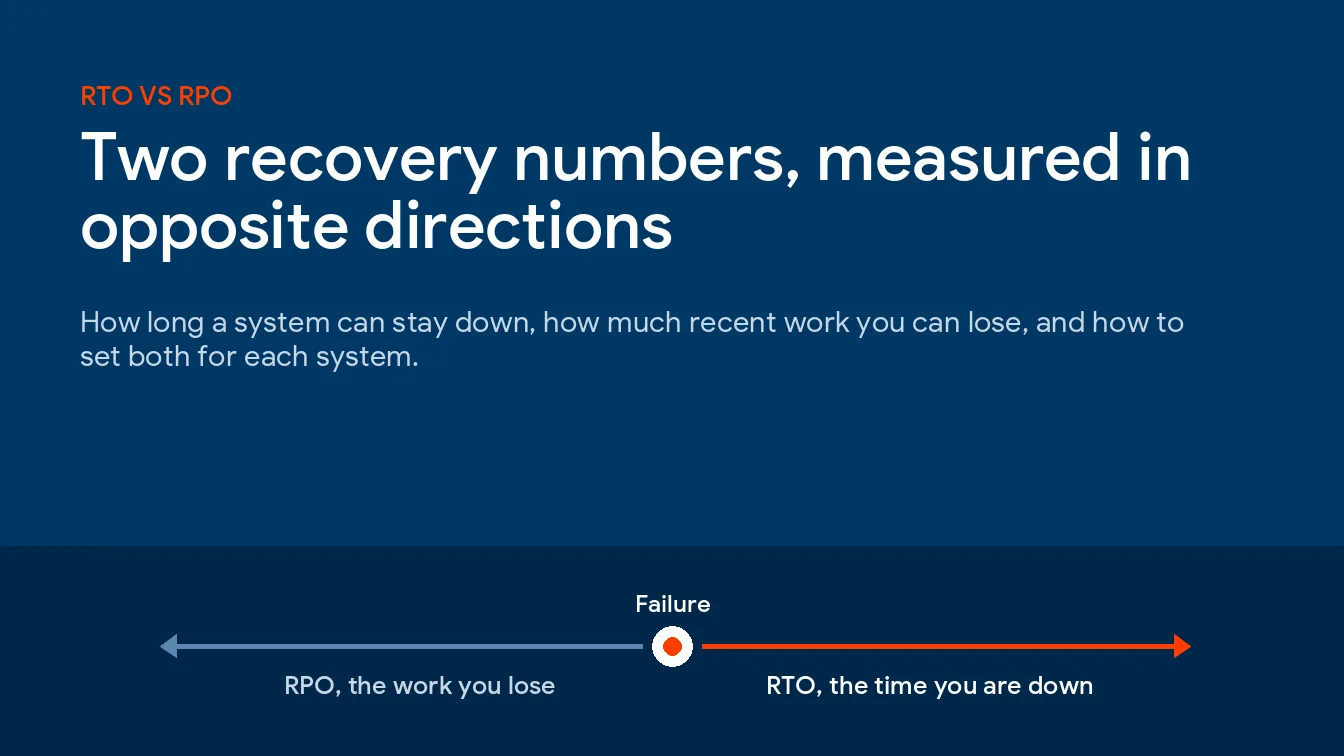
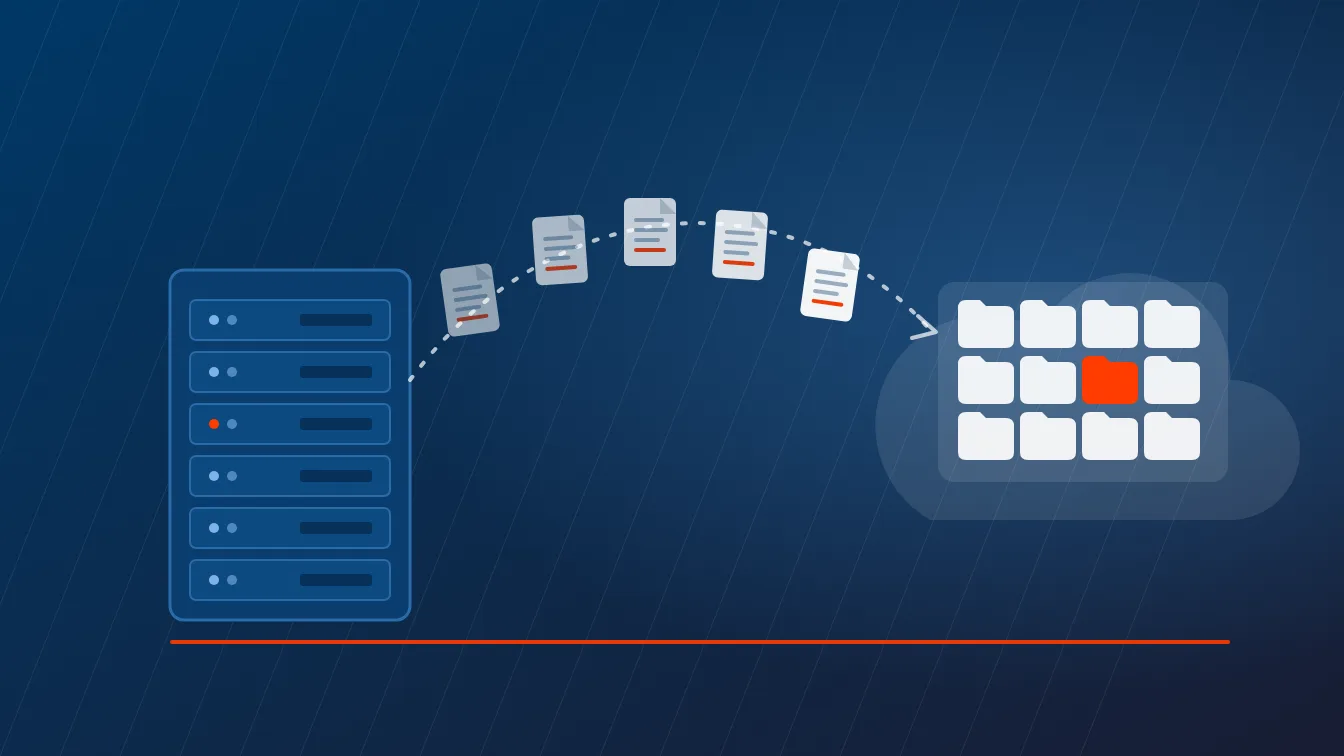
Back up automatically and test the restore. Backups that have never been restored are a guess, not a safety net. Automate them, keep a copy offsite, and verify recovery on a set cadence.
Train people to spot phishing. Most breaches start with a human click. Short, regular security awareness training does more for your risk profile than almost any piece of hardware. Our remote work cybersecurity checklist gives teams a simple place to start.
Give remote staff fast support. A worker stuck offline is a worker not working. Responsive help desk coverage keeps small problems from turning into lost days.
Monitor performance continuously. Watching devices, connections, and apps in real time lets us fix issues before the employee even files a ticket.
Share files the secure way. Push encrypted, access-controlled file sharing instead of email attachments and consumer apps, which leak data quietly.
Stay compliant. If you handle health or financial data, remote work still has to meet HIPAA, GDPR, or industry rules. Build compliance into the setup rather than bolting it on after an audit.
Here’s the honest take. A VPN alone isn’t a security strategy, no matter how often it gets sold as one. Without MFA, endpoint management, and trained people behind it, a VPN just hands an attacker an encrypted tunnel into your network.
We recently rebuilt exactly this kind of setup for a growing law firm that needed secure, scalable remote access for its staff. You can read how that played out in our personal injury law firm IT transformation case study.
Where Do Most Companies Get Remote Work IT Wrong?
The pattern we see is rarely a missing tool. It’s the absence of anyone owning the whole picture, so MFA is on for email but not for the accounting app, backups run but were never tested, and the security policy is 2 years stale. That ownership gap is exactly what a managed IT services partner closes. For the security side specifically, our cybersecurity solutions and secure remote access services give remote teams enterprise-grade protection without an enterprise-sized internal team.
Remote work is now a permanent part of how your business runs. The companies that treat its IT seriously get the productivity without the breach headlines. That’s the outcome we build for every client we support.
Remote Work IT Questions, Answered
What are the most important IT best practices for remote work?
Secure remote access, multi-factor authentication, managed endpoints, regular patching, and tested data backup matter most. These 5 controls close the gaps attackers exploit when employees work outside the office network.
How do you keep remote workers secure?
Start with MFA on every account, then add a VPN or zero-trust access, endpoint detection, and routine security training. Layered controls stop a single weak password from compromising the whole network.
Do remote employees need a VPN?
Most do, unless the company has moved to a zero-trust or SASE model. A VPN encrypts traffic between a remote device and company systems, which protects data on home and public networks.
What is the biggest security risk with remote work?
Unmanaged personal devices and home networks create the biggest exposure. When laptops and phones sit outside corporate controls, phishing, outdated software, and weak Wi-Fi turn into easy entry points.
How can a managed IT provider support remote teams?
A provider handles the setup, monitoring, and security most internal teams can’t staff around the clock. That includes endpoint management, patching, backup, help desk support, and compliance for rules like HIPAA.
Which tools do remote teams actually need?
A reliable collaboration suite, secure file sharing, MFA, endpoint protection, and a backup solution cover the essentials. Microsoft 365 with Teams or Google Workspace handles most communication and document needs.
Secure Your Remote Team With Uprite
Uprite secures and supports remote and hybrid teams across Houston, San Antonio, and Dallas-Fort Worth. Schedule a free consultation or call (866) 570-3065 to lock down your remote setup.